Paper logbooks are costing your fleet more than you think. A 50-vehicle fleet spends an estimated $48,600 annually on paper forms, filing, admin labor, and document retrieval — and still achieves only 67% compliance with a 73% audit pass rate. 93% of carriers audited in 2025 received at least one violation, with missing or disorganized documentation being the most common trigger. Average search time for a single paper record: 18 minutes. 73% of paper DVIRs never reach the office — lost in trucks, thrown away, or illegible. 7.5% of all paper documents get lost entirely. Meanwhile, digital logbooks achieve 94% compliance rates, 96% audit pass rates, and produce any record in seconds. The cost? $1,800-$4,800 annually for a 50-vehicle fleet — a 90-95% cost reduction. FMCSA now explicitly authorizes electronic records under 49 CFR 390.31, with the February 2026 eDVIR final rule removing any remaining ambiguity. FMCSA increasingly conducts offsite audits where paper files cannot be physically presented. The debate is settled: digital logbooks outperform paper in every measurable compliance and cost category. This guide covers what a heavy equipment logbook must contain, the real cost of paper, legal requirements, how HVI's digital logbook works, and the ROI analysis to justify the switch. Book a demo to see HVI's digital logbook, or start your free trial.
Paper logbooks cost US fleets thousands in wasted admin time and compliance risk. See the real cost comparison and how HVI's digital logbook eliminates both problems.
What a Heavy Equipment Logbook Must Contain
Unit number, VIN/serial, make, model, year, engine type, current hour meter/odometer reading, assigned location/jobsite. Every future log entry attaches to this asset profile. This is the backbone of your logbook system.
Pre-trip/post-trip inspections documenting equipment condition. Date, time, operator name, items inspected, defects found (with description + severity), corrective actions taken. For FMCSA-regulated vehicles: must meet 49 CFR 396.11/396.13. Retained minimum 3 months.
Every service, repair, and PM event: date, hour meter/odometer, description of work performed, parts used (with part numbers and cost), labor hours, technician name, vendor. Per 49 CFR 396.3, carriers must document all inspections, repairs, and maintenance. Retained minimum 1 year + 6 months.
49 CFR 396 Appendix A periodic inspection by a qualified inspector every 12 months. Report must be retained 14 months. Copy carried in vehicle. Covers brakes, steering, suspension, frame, exhaust, lighting, tires, coupling, windshield, fuel system, and more.
CDL records, medical certificates, NCCCO crane certifications, MSHA Part 46/48 training, hazmat endorsements — all with issue and expiry dates. Must be accessible within 48 hours of FMCSA request. Training records retained for length of employment plus 3 years.
Operating hours per shift, fuel consumption, idle time, operator assignments, jobsite allocation. Not always legally required, but operationally essential: feeds PM scheduling, cost-per-hour calculations, utilization optimization, and equipment replacement planning.
Cost of Paper Logbooks — Time + Audit Risk
Legal Logbook Requirements for Heavy Machinery
FMCSA explicitly permits electronic record keeping across all regulated record categories. Digital records must contain all required information, include proper signatures, and be producible within 48 business hours of FMCSA request.
Every motor carrier must have a systematic inspection, repair, and maintenance program. "Systematic" means documented, scheduled, and consistent. Auditors look for written procedures, scheduled services, and proof the program is followed. Records must include vehicle ID, work description, date, and odometer/hours.
Drivers complete DVIRs when defects found. Carrier must certify repairs. Next driver must review and sign. Retained minimum 3 months. eDVIRs officially authorized effective March 23, 2026 (FMCSA-2025-0115). Digital records with timestamps and photos exceed the minimum documentation standard.
Every CMV must undergo annual periodic inspection by a qualified inspector covering all Appendix A items. Report retained 14 months. Copy carried in vehicle. Covers brakes, steering, suspension, frame, exhaust, lighting, tires, coupling, windshield, fuel, and more.
OSHA requires competent person inspections for construction equipment. Crane inspections under Subpart CC require shift, monthly, and annual documentation with specific retention periods. Records must demonstrate employer compliance with inspection requirements.
MSHA requires pre-shift equipment inspections at mining operations. Defects must be corrected before use. Maintenance records must demonstrate a systematic program. Surface mines inspected 2x/year, underground 4x/year. Digital records with timestamps meet documentation standards.
HVI Digital Logbook — Feature Walkthrough
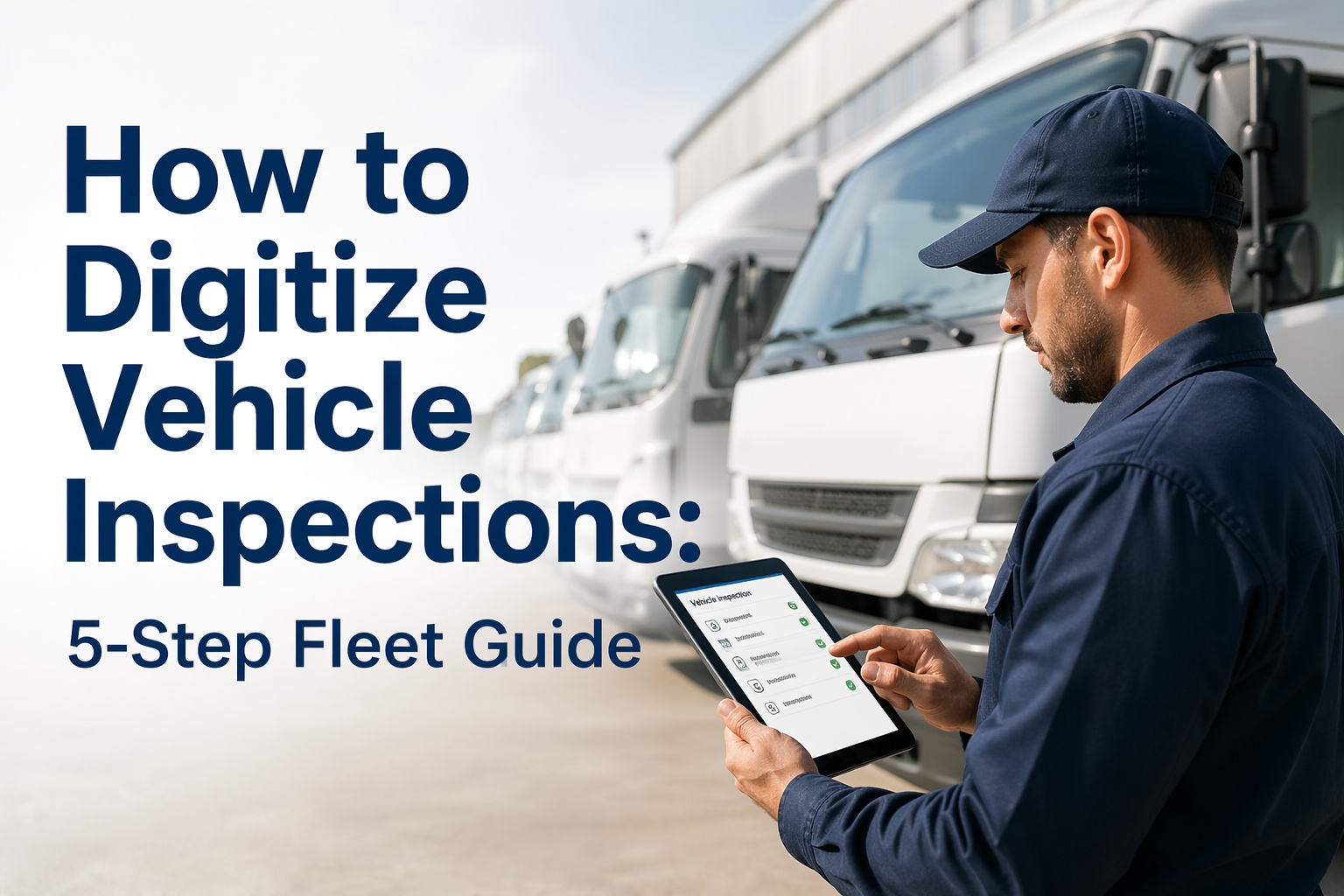
Operators complete DVIRs on phone/tablet with guided prompts, required fields, and equipment-specific checklists. Photo capture mandatory for defects. GPS + timestamp auto-stamped. Completed in 3-4 minutes vs 8-10 minutes paper. Works fully offline.
Defect flagged → photo + severity attached → maintenance notified instantly → work order auto-generated → equipment held from dispatch until repair certified. Complete chain of custody: defect → repair → return to service. Zero paper handoffs.
Every inspection, repair, PM service, annual inspection, parts replacement, and operator assignment — stored in one searchable digital file per vehicle. Produce any equipment's complete history in seconds. Filter by date range, record type, operator, or defect category.
Hours-based or calendar-based preventive maintenance scheduling. Auto-alerts before PM is due. Overdue PM flagged on dashboard. PM completion logged with parts used, labor hours, and technician sign-off. Feeds directly into the digital logbook as a permanent record.
CDL, medical certificates, NCCCO, MSHA Part 46/48, annual inspection certs — all stored with expiry dates. Auto-alerts at 90/60/30 days before expiration. Never assign an operator with expired credentials. Never miss an annual inspection deadline.
Export to PDF, CSV, or direct-share with auditors. Produce records within minutes — not the 48 hours FMCSA allows. Offsite audit ready: records are cloud-accessible from anywhere. Compliance dashboard shows fleet-wide status at a glance: green/yellow/red per vehicle.
ROI Analysis — Paper to Digital
Frequently Asked Questions
Yes — 49 CFR 390.31 explicitly permits electronic record keeping across all FMCSA-regulated record categories. The February 2026 eDVIR final rule (FMCSA-2025-0115, effective March 23, 2026) adds explicit electronic DVIR language to 396.11 and 396.13. Electronic records must contain all required information, include proper signatures, and be producible within 48 business hours of FMCSA request. Digital records are not just permitted — they are increasingly preferred by auditors.
DVIR records: 3 months minimum. Annual inspection reports: 14 months. General maintenance and repair records: 1 year + 6 months. Driver qualification files: 3 years after driver leaves employment. Drug/alcohol testing: 5 years for positive results. HVI stores all records indefinitely in the cloud — exceeding every minimum retention requirement. Automatic retention management means you never accidentally delete records too early.
Most fleets complete the transition in 2-4 weeks. Day 1: equipment database import, template configuration. Week 1: operators begin using the app (learning curve: under 15 minutes per person). Week 2-3: defect routing and work order workflows established. Week 4: full deployment with compliance dashboard active. No hardware required. No consulting fees. Existing paper records can be scanned/photographed and attached to digital equipment files for continuity.
Yes — HVI supports FMCSA-regulated vehicles (49 CFR 396), OSHA construction equipment (29 CFR 1926), MSHA mining equipment (30 CFR Part 56/57), and crane inspections (Subpart CC + 1910.179). Each equipment type gets the correct inspection template and compliance framework. One platform covers every heavy equipment type in your fleet — on-road, off-road, construction, and mining.
FMCSA increasingly conducts offsite compliance reviews where paper files cannot be physically presented. With HVI, records are cloud-accessible and exportable as PDF from anywhere. When FMCSA requests records with 48-hour notice, you produce them in minutes — not hours. Digital fleets demonstrate compliance culture that auditors reward. Paper fleets scramble through filing cabinets, which auditors interpret as poor compliance culture.
HVI operates alongside your existing ELD system — it handles the inspection, maintenance, and logbook documentation side while your ELD handles hours-of-service logging. Data can be exported via API for integration with ERP/CMMS platforms (SAP, Oracle, Maximo). HVI can also serve as your standalone fleet documentation system for operations that do not use other platforms.
90-95% cost reduction. 96% audit pass rate. 100% inspection capture. Records produced in seconds. No hardware, no consulting, no disruption. Free trial.
No credit card • No hardware • Works offline • FMCSA compliant