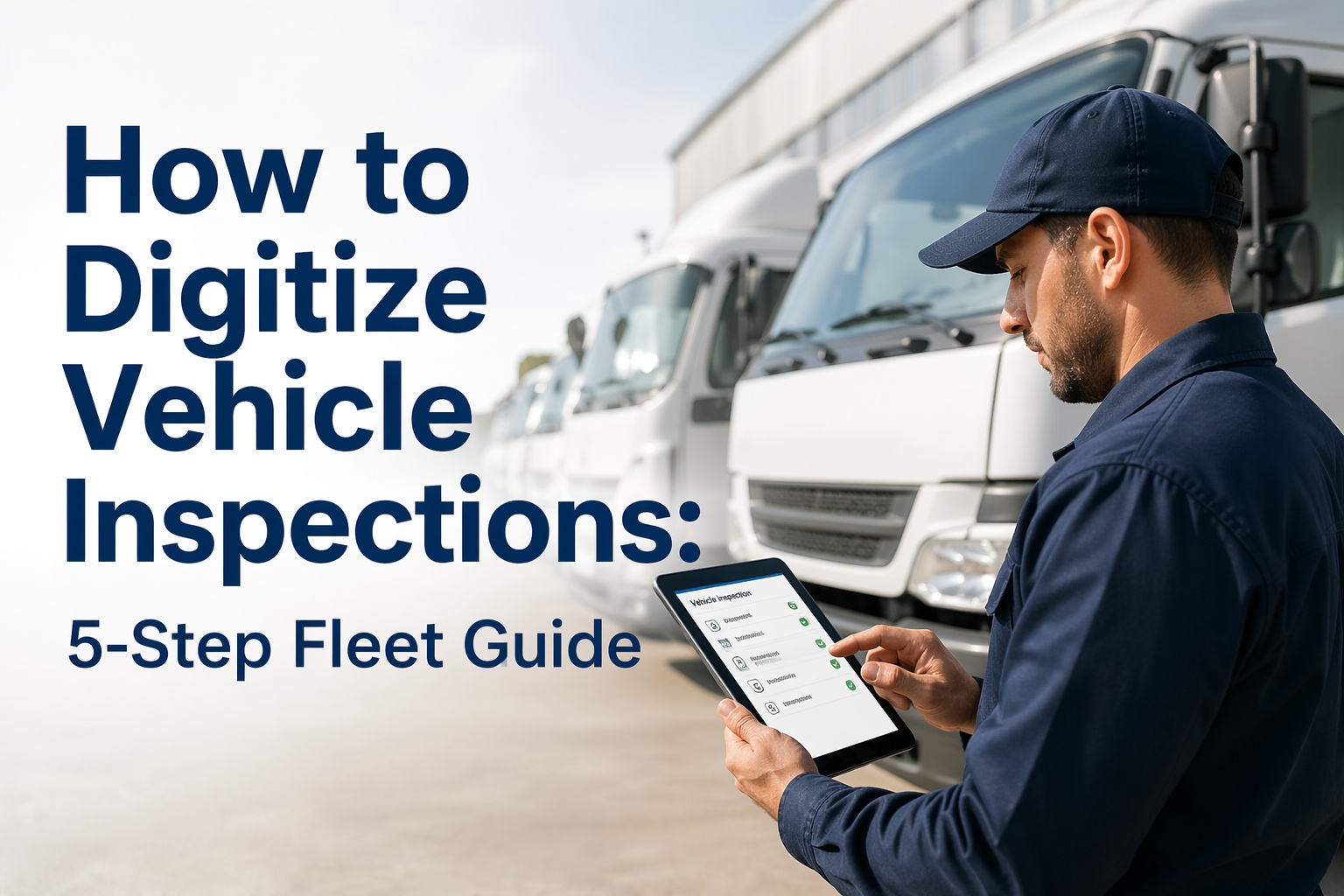
Paper inspection forms are costing your fleet more than you think. A missed checkbox, an illegible signature, a form filed in the wrong binder — any one of these turns into a compliance gap, a failed roadside inspection, or an undetected defect that becomes a breakdown 400 miles from your depot. In 2026, digitizing your vehicle inspection process is no longer a technology project — it is a fleet operations decision with a documented ROI. Fleets that have moved from paper checklists to digital inspection workflows report 94% fewer missed inspection items, 78% faster defect-to-repair resolution times, and inspection records that are always audit-ready without manual filing. The five steps in this guide walk you through exactly how to make that transition — what to replace, what to keep, and what a modern digital inspection platform like HVI does at each stage that paper simply cannot. Start a free HVI trial and complete your first digital inspection today, or book a 30-minute walkthrough to see the full workflow on your fleet's vehicles.
Why paper inspections fail — and what digital fixes
Before walking through the five steps, it helps to understand precisely where paper inspection processes break down. These are not edge cases — they are the routine failure modes that fleet managers deal with every week.
The 5 steps to digitizing your fleet's vehicle inspection process
Before selecting a platform or building a digital checklist, you need a clear picture of what your current process actually looks like — not what the procedure manual says it looks like. These are almost always different. Walk through one complete inspection cycle with a driver and document every step: what form they use, what they skip, how long it takes, where the completed form goes, and how long before a manager sees a flagged defect.
HVI's onboarding team provides a fleet inspection audit template that maps your current process against FMCSA DVIR requirements — identifying compliance gaps before you build your digital workflow. Most fleets discover 3–5 systemic gaps in their first audit that they were not aware of.
A digital checklist that mirrors your paper form is not a digitization — it is a transcription. The goal of this step is to build inspection checklists that are structured to prevent errors, enforce completeness, and capture richer data than paper ever could. Different vehicle types need different checklists: a 53-foot trailer has different brake and lighting requirements than a day cab, and a refrigerated unit adds temperature system checks that do not appear anywhere on a standard form.
HVI includes pre-built DVIR-compliant checklist templates for Class 3–8 trucks, trailers, buses, refrigerated units, and specialty vehicles. Fleet managers customise items, add vehicle-specific checks, configure which items require photos, and set severity levels — all through a no-code template editor. Changes deploy to all driver devices immediately.
The most common mistake in fleet digitization is switching the entire fleet at once. Run a 2-week parallel pilot with 5–10 vehicles where drivers complete both the paper form and the digital inspection on every trip. This gives you direct comparison data, surfaces any checklist gaps you missed in step 2, and builds driver confidence before the full cutover.
Choose vehicles from different routes and vehicle types. Include your most and least experienced drivers for a realistic cross-section.
Drivers complete both paper and digital inspections on every trip. Compare completion rates, item differences, and defect capture side by side.
Use pilot data to catch missing items, adjust photo requirements, and fix any workflow friction before rolling out to the full fleet.
Track inspection completion rate, average completion time, defects captured, and time from defect flag to manager notification. These are your ROI baseline numbers.
HVI's mobile app works on any iOS or Android device — drivers do not need new hardware. The app functions fully offline and syncs when connectivity is restored, which matters for depots and remote routes with poor signal. During the pilot, HVI's analytics dashboard shows side-by-side pilot metrics automatically — no spreadsheet required.
A digital inspection form that sends a PDF to an inbox is not a digitized workflow — it is a digital piece of paper. The real value of digital inspection comes from what happens automatically when a defect is flagged. In a fully connected inspection workflow, a critical defect on a pre-trip inspection triggers an immediate alert to the maintenance manager, opens a work order in your CMMS, blocks vehicle dispatch until the defect is resolved and signed off, and creates an audit trail that links the original defect photo to the completed repair record.
HVI integrates with leading CMMS and fleet management systems to push defect-triggered work orders automatically. For fleets managing their own workshops, HVI's built-in defect management module handles the complete defect-to-repair cycle without a separate system. The dispatch gate feature blocks any vehicle with an open critical defect from being assigned to a new trip — eliminating the risk of sending out a vehicle with a known safety issue.
Digitization is not a one-time project — it is the beginning of a data-driven inspection programme. Once your digital workflow is running, you have access to metrics that paper never produced: which drivers consistently skip specific inspection items, which vehicles generate the most defects, which inspection points catch the highest-severity issues, and how your fleet's inspection completion rate trends over time.
% of required inspections completed on time, per driver and per vehicle — your primary compliance health indicator.
Average hours from defect flagged to repair completed and vehicle cleared. Target: under 4 hours for critical defects.
Average number of defects found per completed inspection — rising rates signal improving driver thoroughness or fleet condition issues.
Per-driver rating combining completion rate, photo compliance, and inspection duration — identifies coaching needs before violations occur.
% of DOT roadside inspections passed without violation — the ultimate measure of whether your digital inspection process is working.
% of defects that reappear on the same vehicle — flags underlying maintenance issues that repairs are not fully resolving.
HVI's analytics dashboard surfaces all six metrics above automatically — updated daily, segmentable by vehicle, driver, depot, and date range. Monthly compliance reports are auto-generated and can be scheduled for delivery to fleet directors, safety managers, and operations teams without any manual data export.
Frequently asked questions — digitizing vehicle inspections
Ready to run your first digital inspection today?
HVI gives your fleet a DVIR-compliant digital inspection workflow, defect-triggered work orders, dispatch blocking for safety defects, and audit-ready records — all connected to your existing ELD and telematics in under 30 minutes. Start free, no hardware required, first inspection live within the hour.
No credit card required · Works on any iOS or Android device · DVIR-compliant from day one