A digital logbook replaces every paper form, clipboard, and filing cabinet in your fleet operation with a searchable, cloud-stored electronic record system. From daily DVIRs and maintenance logs to annual inspections and repair orders, digital logbooks create a single source of truth for every vehicle, every inspection, and every work order — accessible from any device, anywhere, in seconds. The shift from paper to digital is no longer optional for serious fleet operations: FMCSA now explicitly authorizes electronic DVIRs (final rule effective March 23, 2026), 49 CFR 390.31 permits electronic records across all record categories, and 93% of carriers audited in 2025 received at least one violation — with missing or disorganized documentation being the most common trigger. This guide covers why digital logbooks outperform paper, what records you must keep (and for how long), how to migrate without disrupting operations, and what to look for in a fleet logbook system. Start your free HVI trial to digitize your fleet logbooks, or book a demo to see the platform in action.
Compliance Benefits, Electronic Record Systems & Paper-to-Digital Migration
The Paper Logbook Problem
Paper-based fleet records create systemic compliance risks that compound over time. Through June 2025, FMCSA conducted over 8,300 investigations and uncovered more than 100,000 violations — averaging six violations per investigation. The common thread is disorganized paperwork, missing documents, and expired credentials that nobody caught in time.
Paper DVIRs get coffee-stained, misfiled, or lost in transit. One missing medical certificate triggers an immediate out-of-service order. Filing cabinets that nobody opens until an auditor shows up are a compliance time bomb.
Expired CDLs, lapsed insurance, overdue MVR reviews, annual inspection due dates — manual tracking means critical dates slip through the cracks constantly. Each missed deadline is a separate citable violation.
When a DOT auditor shows up, scrambling through filing cabinets for 6 months of records across 50+ drivers wastes days — and demonstrates poor compliance culture. FMCSA offsite audits surged 400% and carriers sometimes receive as little as 48 hours notice to produce all records digitally.
Paper forms sit in folders — they cannot be searched, analyzed, or trended. Recurring defects on specific vehicles, seasonal patterns, and maintenance cost trends remain invisible until something breaks down or an auditor finds the gap.
What Is a Digital Fleet Logbook?
A digital fleet logbook is an electronic system that captures, stores, and organizes every inspection, maintenance, and compliance record for your fleet — replacing paper forms with mobile-friendly workflows, cloud storage, and automated tracking. It is not a single document; it is an interconnected record system that links vehicles, drivers, inspections, work orders, and compliance deadlines into one searchable platform.
Pre-trip and post-trip DVIRs, annual periodic inspections, roadside inspection reports — all captured digitally with photo evidence, GPS tags, and electronic signatures.
Every repair order, preventive maintenance service, parts replacement, and work order — timestamped, linked to the vehicle, and searchable by date, type, or component.
Driver qualification files, medical certificates, CDL records, drug/alcohol testing, insurance documents — with automated expiration alerts and renewal tracking.
Unit number, VIN, make, model, year, tire size, mileage, PM schedules — everything 49 CFR 396.3 requires, organized per vehicle with complete history.
DVIR defect → work order → mechanic repair → certification → next-driver sign-off. The complete FMCSA accountability chain documented and enforced digitally.
Who accessed, modified, or signed every record — with timestamps. Protects against tampering allegations and proves document integrity during litigation or audits.
Record Retention Requirements: What You Must Keep & For How Long
7 Benefits of Switching to Digital Fleet Logbooks
Every record is timestamped, searchable, and exportable in seconds. When FMCSA requests records — sometimes with just 48 hours notice — you produce them instantly instead of scrambling through filing cabinets. Digital fleets demonstrate compliance culture that auditors and insurance carriers reward.
Medical certificates, annual inspections, CDL renewals, insurance policies, PM schedules — digital systems track every deadline and alert you before anything expires. No more surprises. No more operating with lapsed credentials that trigger OOS orders.
Digital checklists guide drivers through every required item. Photo capture proves components were actually inspected. GPS tags confirm location. Electronic signatures enforce accountability. The result: inspections completed in 3-5 minutes that are more thorough than 20-minute paper forms.
When a driver reports a defect on a digital DVIR, the maintenance team receives an instant push notification. A work order is auto-generated with defect details and photos. The mechanic certifies the repair digitally. The chain is complete — no paper lag, no lost reports.
Digital records turn maintenance from reactive to predictive. Which vehicles have recurring brake issues? Which components fail most at which mileage intervals? What is your true cost-per-mile by vehicle? Paper cannot answer these questions. Digital logbooks answer them automatically.
In accident lawsuits, plaintiff attorneys examine maintenance records. Complete, timestamped digital logs with photo evidence prove your fleet was properly maintained. Missing or incomplete paper records create legal liability that insurance cannot cover.
Eliminate paper forms, filing supplies, storage space, and administrative labor for data entry. Reduce redundant maintenance through better scheduling. Prevent breakdowns through early defect detection. Fleets report 40-60% reduction in inspection administration time after switching to digital.
HVI: Your Complete Digital Fleet Logbook
HVI digitizes every fleet record — from daily DVIRs and maintenance logs to annual inspections and compliance documents. Drivers complete inspections on their phone. Defects trigger instant notifications and auto-generated work orders. Every record is cloud-stored, searchable, and audit-ready. Compliance dashboards show real-time status for every vehicle and driver in your fleet.
Paper-to-Digital Migration: 5-Step Roadmap
Inventory every type of record you currently maintain on paper: DVIRs, maintenance logs, PM schedules, driver qualification files, annual inspections, roadside reports. Identify gaps — what is missing, expired, or disorganized. This becomes your baseline for measuring improvement.
Select a system that covers your specific needs: DVIR/inspection management, maintenance tracking, compliance document storage, and reporting. Prioritize mobile-friendly driver interfaces, instant defect notifications, customizable checklists, and cloud storage with search capability.
Enter every vehicle (unit number, VIN, make, model, year, tire size, PM schedule) and every driver (CDL info, medical cert dates, DQ file status) into the digital system. This creates the foundation that all future records attach to. Most platforms offer bulk import from spreadsheets.
Train drivers and mechanics on the digital workflow. Run paper and digital side-by-side for 2-4 weeks so teams build confidence. Focus training on the mobile app, photo capture, defect reporting, and electronic signatures. Most drivers master it within 2-3 inspections.
Once the parallel period is complete, eliminate paper forms. Archive existing paper records per FMCSA retention requirements (scan critical documents). Set up automated alerts for PM schedules, inspection due dates, and credential expirations. You are now audit-ready 24/7.
What to Look for in Digital Logbook Software
Drivers complete inspections on their phone or tablet. Guided checklists, pass/fail buttons, and photo capture make it fast and thorough. If the app is clunky, drivers won't use it.
The system must cover all 11 FMCSA inspection components, enforce the defect-repair-review chain, capture electronic signatures, and store records for the required retention periods.
When a defect is reported, the maintenance team gets a push notification immediately — not when paper arrives hours later. Critical defects should trigger automatic dispatch holds.
Defects should auto-generate work orders with details, photos, and priority. Mechanics certify completion digitally. The repair chain is enforced — not optional.
Fleet managers need real-time visibility: which vehicles are past due for inspection? Which drivers have expiring credentials? What is the fleet-wide defect rate? Dashboards turn data into action.
Records encrypted, backed up automatically, access-controlled by role, and retrievable within seconds. Must support 48-hour production requirement for FMCSA audits.
Different vehicle types need different checklists. Your company-specific items should be addable beyond the FMCSA minimum. Trailers, specialized equipment, and industry-specific checks vary widely.
Find any record by vehicle, driver, date range, defect type, or keyword in seconds. Export to PDF, CSV, or direct-share with auditors. The ability to produce records instantly is what separates a compliant fleet from a penalized one.
Frequently Asked Questions
Yes. 49 CFR 390.31 explicitly permits electronic record keeping for all FMCSA-regulated records. Electronic DVIRs were further reinforced by FMCSA's final rule published February 19, 2026 (effective March 23, 2026), which adds explicit eDVIR language to §396.11 and §396.13. Electronic records must contain all required information, include proper signatures, and be producible within 48 business hours of an FMCSA request.
All of them. DVIRs, maintenance and repair records, annual periodic inspection reports, roadside inspection reports, driver qualification files, hours-of-service logs, drug and alcohol testing records, accident registers, and insurance documentation can all be maintained electronically under FMCSA regulations.
Most fleets complete the full migration in 30 days or less. The typical timeline involves 1-2 days for platform setup and vehicle/driver data import, 1-2 days for driver and mechanic training, 2-4 weeks running parallel (paper + digital), then a full cutover to digital-only. Most drivers master the mobile app within 2-3 inspections.
Keep existing paper records per FMCSA retention requirements (DVIRs: 3 months, maintenance logs: 1 year + 6 months after disposal, annual inspections: 14 months). For critical records, scan and upload them into your digital system. Going forward, all new records are created and stored digitally. You do not need to retroactively digitize your entire paper archive.
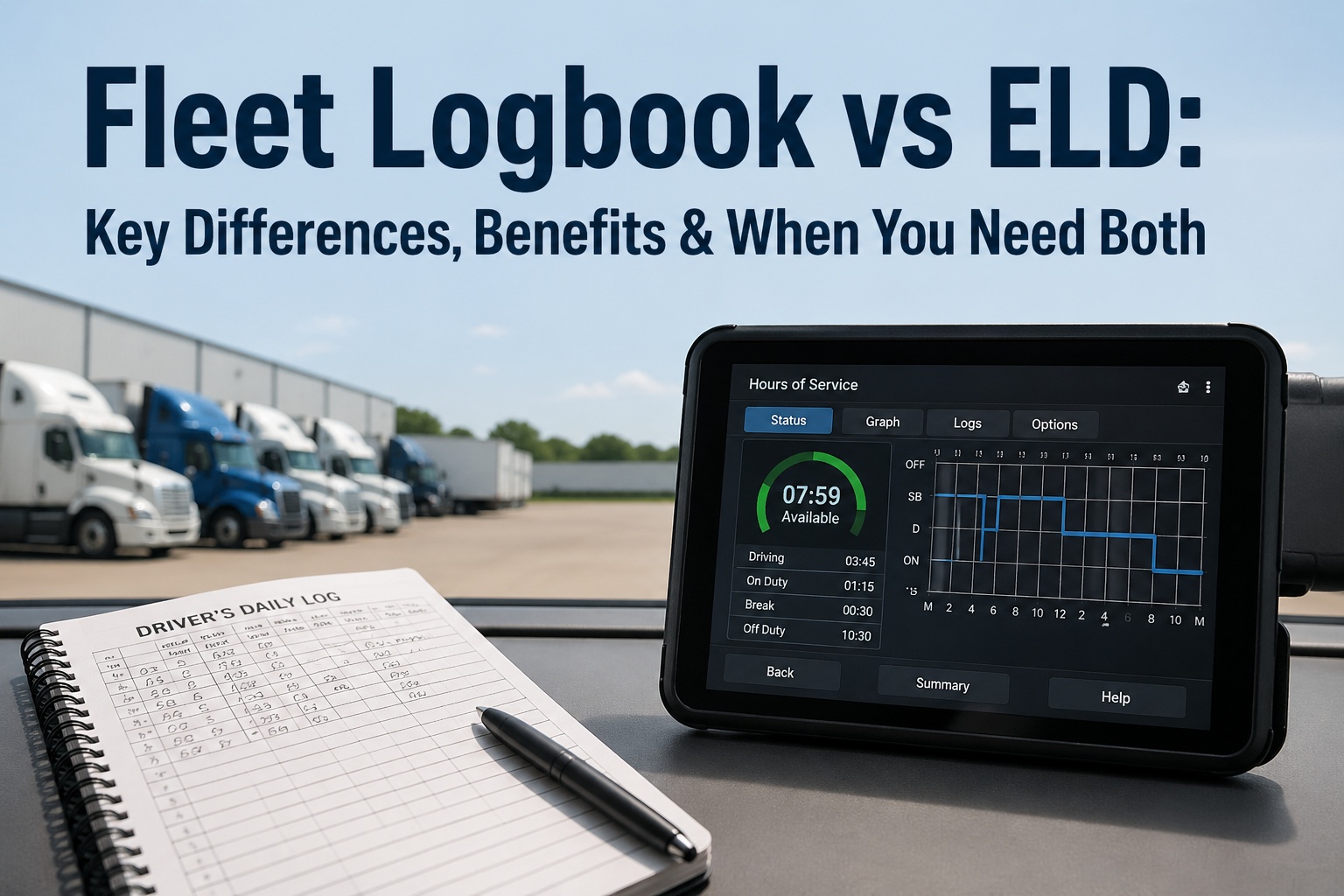
No. An ELD (Electronic Logging Device) specifically records hours-of-service driving data and is a hardware device connected to the engine. A digital logbook is a broader software platform that manages all fleet records — inspections, DVIRs, maintenance, compliance documents, and more. Some digital logbook platforms integrate with ELD systems to pull HOS data into the same record system, but they serve different primary functions.
Costs vary widely by platform and fleet size. Most systems charge $5-$30 per vehicle per month for inspection and maintenance management. When you factor in eliminated paper costs ($3-$8 per inspection form), reduced admin labor (40-60% time savings), and avoided violation penalties ($1,270-$16,000+ per occurrence), the ROI is typically positive within the first month of operation.
Your Fleet Records, Digitized in 30 Days
HVI replaces every paper form, clipboard, and filing cabinet with a searchable, cloud-stored system that keeps your fleet audit-ready 24/7. Digital DVIRs, maintenance tracking, compliance dashboards, and instant defect-to-repair workflows — all from one platform.
No credit card • No hardware • Setup in under 10 minutes • FMCSA compliant