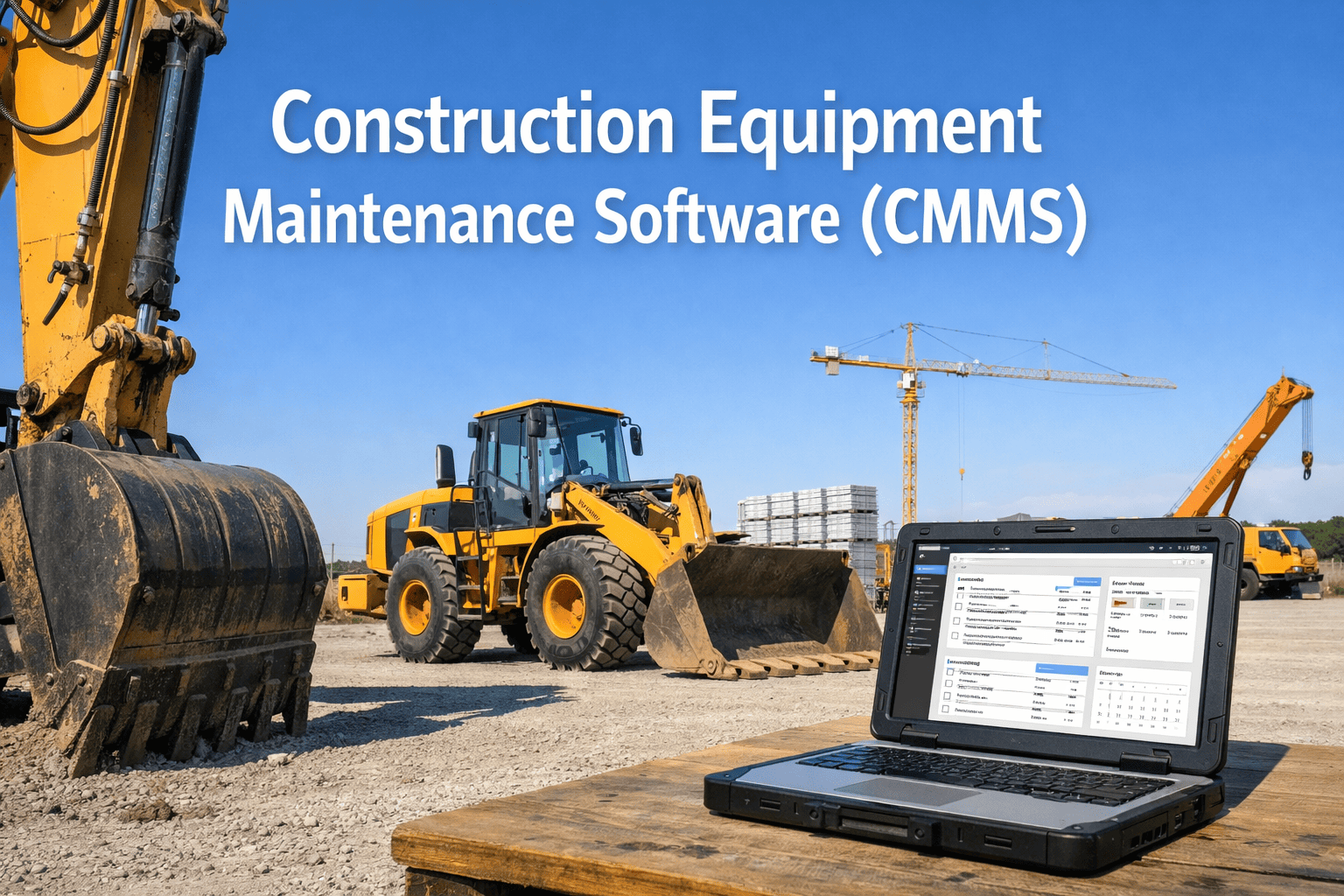
82% of construction companies still rely on manual maintenance tracking — spreadsheets, paper logs, whiteboards, or nothing at all. Those companies experience 40% higher equipment failure rates, spend 4-5x more on reactive repairs than planned maintenance, and lose an average of $2,000+ per day per machine in unplanned downtime. On a 50-machine fleet, that math is catastrophic. A construction CMMS (Computerized Maintenance Management System) replaces all of it: automated PM scheduling by engine hours, digital inspections with photo evidence, work orders that flow from defect to resolution without paper, parts tracking, cost-per-hour analytics, and OSHA-compliant records that are audit-ready the moment an inspector arrives. But most CMMS platforms were designed for factories and facilities — not for construction jobsites where equipment moves between locations, cell signal is unreliable, and machines are tracked by hours instead of miles. This guide covers what construction CMMS software does, the features that matter for heavy equipment, the operational improvements the data proves, and why HVI was purpose-built for the realities of construction fleet maintenance. Book a demo to see it configured for your fleet, or start your free trial.
PM scheduling by engine hours, digital inspections, automated work orders, parts tracking, cost-per-hour analytics — built for excavators, loaders, dozers, cranes, and mixed construction fleets.
The Cost of Managing Maintenance Without Software
Every construction fleet that runs on spreadsheets and paper pays the same hidden taxes — they just do not see the invoices until equipment fails, projects stall, or OSHA shows up.
6 Features Construction Fleets Must Have in a CMMS
General-purpose CMMS platforms lack the specifics construction needs. Here are the six capabilities that separate construction-ready software from factory tools adapted for the field.
Construction equipment runs on engine hours — not miles. PM triggers at 250, 500, 1,000, and 2,000 hours with multi-tier service levels (A/B/C/D). Calendar fallback for idle equipment. Overdue alerts before deadlines pass.
Equipment-specific checklists for excavators, loaders, dozers, cranes, and forklifts. Photo verification on critical components. OSHA-compliant records with timestamps and GPS. Defects auto-route to work orders — no paper handoff.
Create, assign, track, and close every maintenance task. Capture parts used, labor time, costs, and technician notes. Build permanent repair history per machine for lifecycle cost decisions. Defect-to-resolution chain documented end to end.
Full functionality without cell signal — inspections, work orders, parts lookups, PM schedules, photo capture. Data syncs when connectivity returns. Built for construction sites, mine pits, and remote operations. Not a "lite mode" — full capability.
Total maintenance cost (parts + labor + outsourced) divided by operating hours per machine. Track trends over time. When cost-per-hour exceeds replacement threshold, data makes the case — no opinions needed.
Equipment moves between jobsites. Your CMMS must show compliance status, open defects, overdue PMs, and equipment location across all sites from one screen. Assign equipment to projects. Track utilization per site.
Reactive vs CMMS-Managed: The Performance Gap
How a Construction CMMS Works: The Daily Workflow
Operator opens HVI on phone. Walks through equipment-specific checklist. Photos on critical points. Flags hydraulic leak on boom hose. Defect auto-routed to shop.
Push notification to lead mechanic with defect photo, severity, machine ID, and GPS location. Work order auto-created. Parts checked against inventory.
Mechanic replaces hose. Documents part number, labor time, cost, and repair photos in the work order. Signs digital repair certification.
Machine status changes to "available." Next operator reviews repair record and signs acknowledgment. Machine returns to service with complete documentation trail.
Excavator hits 485 hours. HVI alerts: 500-hour PM Service B due in 15 hours. Work order pre-generated with parts list. Mechanic scheduled for Friday.
Why Construction Fleets Choose HVI
Pre-built templates for excavators, loaders, dozers, cranes, dump trucks, and forklifts. Hours-based PM triggers, not just calendar or mileage. Equipment-specific inspection checklists covering OSHA-required items per machine type.
Most CMMS bolt inspections on as an afterthought. HVI was built around the inspection-to-maintenance pipeline. Defects flow directly to prioritized work orders with zero manual steps. The 3-signature chain is enforced digitally.
Full capability without internet: inspections, work orders, parts lookups, PM schedules, photo capture, digital signatures. GPS and timestamps captured at event time, not sync time. Built for jobsites where cell signal is zero.
No hardware required. No setup fees. Free trial available. Works on any smartphone. Per-vehicle pricing — you pay for what you use. Scales from 5 machines to 500+. Operational in under 10 minutes.
Frequently Asked Questions
A CMMS (Computerized Maintenance Management System) for construction is a digital platform that automates equipment maintenance management — PM scheduling by engine hours, digital pre-shift inspections, work order lifecycle tracking, parts inventory, cost analytics, and compliance documentation. It replaces spreadsheets, paper logs, and reactive repair workflows with automated, traceable, audit-ready processes. HVI is purpose-built for construction and heavy equipment fleets. Start your free trial.
Construction CMMS tracks equipment by engine hours (not miles), supports multi-site equipment movement, works fully offline on jobsites without cell signal, includes OSHA-specific inspection checklists per equipment type, and handles mixed fleets (trucks + excavators + cranes on one platform). General CMMS platforms designed for factories or facilities often lack these construction-specific capabilities and require significant customization to work on jobsites.
Pricing models vary: per-vehicle ($2.99-$16/vehicle/month), per-user ($20-$69/user/month), or custom enterprise quotes. HVI starts at $2.99 per vehicle per month with no hardware, no setup fees, and a free trial. For a 50-machine fleet, that is $150/month — compared to $2,000+ per day for a single unplanned breakdown. ROI typically within the first month. Book a demo to see pricing for your fleet size.
Only some platforms offer true offline capability. Many CMMS apps have a "lite mode" that limits functionality without internet. HVI provides full offline capability — inspections, work orders, parts lookups, PM schedules, photo capture, and digital signatures all work without cell signal. Data syncs automatically when connectivity returns. GPS and timestamps are captured at event time, not sync time.
Implementation timelines range from 10 minutes to 6 months depending on platform complexity. Enterprise CMMS platforms (Fiix, eMaint, Maximo) typically require 3-6 months. Cloud-native, mobile-first platforms like HVI are operational in under 10 minutes — sign up, configure equipment templates, invite operators. No IT department required. Driver training takes 25 minutes. Most fleets complete full transition in 2-4 weeks.
Yes. HVI supports mixed fleets with DOT-regulated commercial vehicles (FMCSA 49 CFR 396 compliance, DVIRs, annual inspections) and construction/heavy equipment (OSHA 29 CFR 1926 compliance, pre-shift inspections, hour-based PM). One platform covers your entire operation — trucks, trailers, excavators, cranes, loaders, dozers, and forklifts — with equipment-specific templates for each. Start your free trial.
Hours-based PM scheduling, digital inspections with photo evidence, automated work orders, cost-per-hour analytics, multi-site dashboards — all offline-capable. $2.99/vehicle/month. Operational in 10 minutes.
No credit card • No hardware • Works offline • OSHA + FMCSA compliant