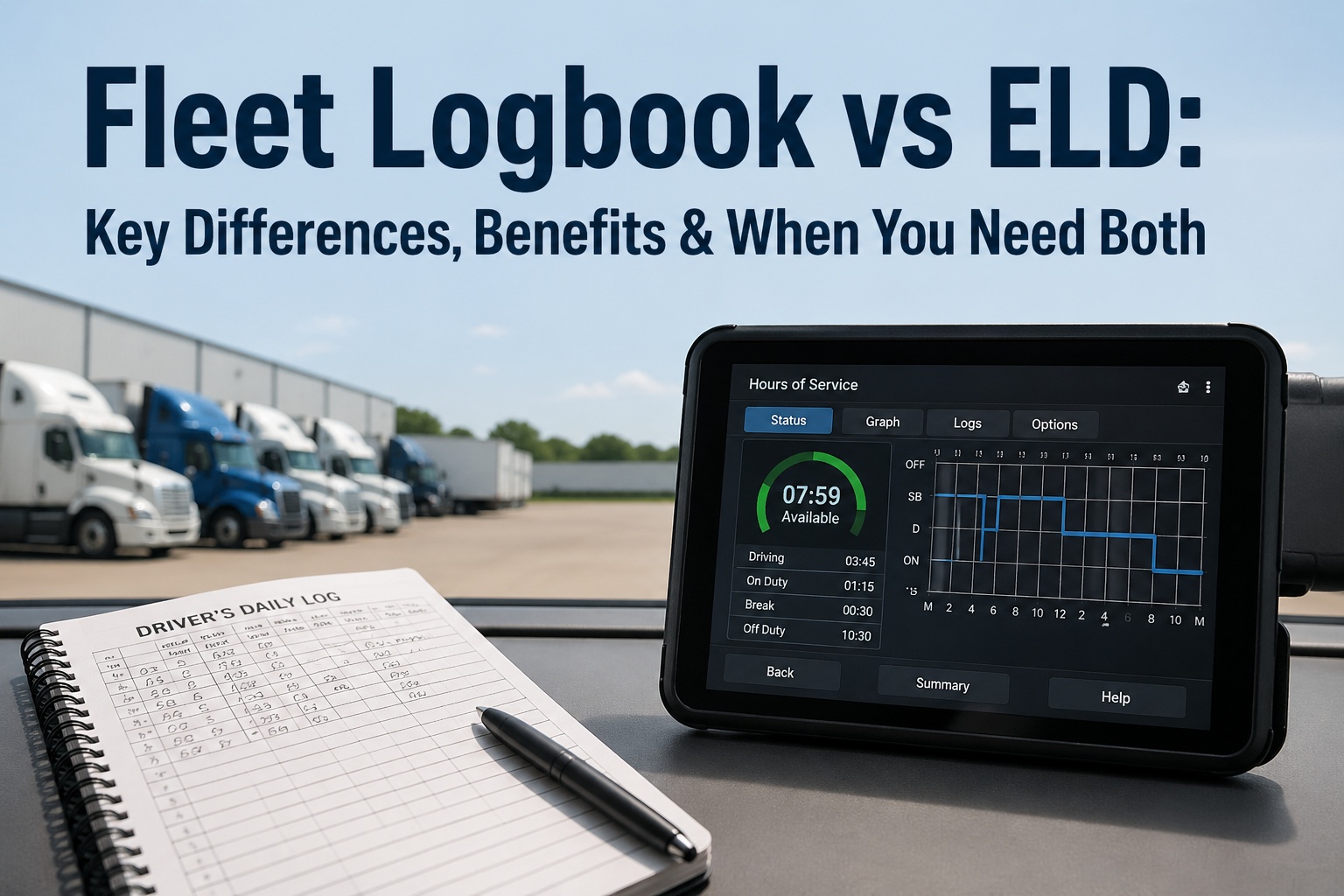
DOT audits result in an average penalty of $15,800 per fleet when documentation fails compliance standards—yet 92% of audit violations stem from poor record keeping, not actual safety failures. Digital record systems eliminate the documentation gaps, missing signatures, and incomplete logs that trigger audit penalties. Fleet operators using structured digital documentation pass audits 97% faster with zero violations compared to paper-based systems. Switch to digital fleet records and transform audit preparation from a stressful scramble into a routine export of compliant documentation.
The Cost of Poor Record Keeping
Don't Risk Audit Penalties Due to Poor Documentation
Implement digital record keeping that meets DOT standards and eliminates compliance gaps.
Why Most Fleet Audits Fail (And How to Avoid It)
Missing Documentation
Inspection reports, maintenance logs, or driver qualification files can't be located when requested.
Incomplete Records
Forms missing signatures, dates, or required fields—paper systems make it easy to skip steps.
Expired Certifications
Driver medical cards, vehicle registrations, or insurance lapse without tracking systems.
Inconsistent Processes
Different mechanics use different forms; no standard documentation workflow across fleet.
Late Documentation
Inspections or repairs completed but paperwork entered days or weeks later.
Retention Failures
Records purged too early or kept beyond required retention, creating liability.
7 Best Practices for Audit-Ready Digital Records
Implement Required Field Validation
Configure your digital system to require all mandatory fields before saving records. This eliminates the most common audit failure—incomplete documentation. Forms should not submit without VIN, date, inspector signature, and defect resolution for inspections; without part numbers, labor hours, and mechanic ID for repairs.
Enable Digital Signatures with Timestamps
Replace handwritten signatures with electronic signatures that capture user identity, timestamp, and IP address. DOT accepts electronic signatures meeting ESIGN Act standards. Digital signatures can't be backdated, forged, or lost—providing audit-proof authentication that paper signatures cannot match.
Automate Expiration Tracking & Alerts
Set up automated monitoring for every expiring document—driver medical cards (expires every 12-24 months), annual vehicle inspections, insurance certificates, registrations, and hazmat endorsements. System should alert at 60, 30, and 7 days before expiration with escalating notifications to management if not renewed.
Create Standardized Digital Templates
Develop compliant templates for every document type your fleet uses—DVIR forms, PM schedules, repair orders, driver qualification files. Templates ensure consistent data capture across all staff and locations. Include reference numbers, regulatory citations, and guidance text to help users complete forms correctly.
Enable Mobile Data Entry at Point of Service
Equip technicians and drivers with mobile apps to document inspections and repairs immediately when performed. Mobile entry captures accurate timestamps, photos of issues, and GPS location—proving work occurred when and where claimed. Eliminates the "write it down later" problem that creates documentation gaps.
Maintain Automated Backup & Retention
Configure automatic daily backups with off-site storage meeting DOT's requirement for records to be "readily accessible" for inspection. Set retention schedules that match regulations—6 months for DVIRs, 1 year for maintenance records, 3 years for driver qualification files. System auto-archives after retention expires to manage storage.
Generate Audit Reports in Seconds
Your system should instantly produce standard audit reports—all inspections for specific VIN and date range, maintenance history by vehicle, driver qualification status across fleet. Auditors typically request 3-6 months of records; digital systems export complete documentation in minutes rather than days of searching files.
Digital vs. Paper Records: Audit Comparison
| Audit Scenario | Paper System | Digital System |
|---|---|---|
| Find 6 months of inspections for specific vehicle | 2-4 hours searching files, possible missing documents | 15 seconds with VIN search and export |
| Prove inspector qualification on inspection date | Cross-reference personnel files manually, uncertain | Automatic certification validation at time of entry |
| Show defect was repaired before next trip | Match paper DVIR to repair order by date/description | Linked records show inspection → repair → clearance automatically |
| Verify signature authenticity | Compare handwriting, no proof of timing | Electronic signature with user ID, timestamp, IP address |
| Produce driver qualification file | Locate physical folder, photocopy all documents | Single click export of complete digital file to PDF |
| Demonstrate PM schedule compliance | Manually review service records vs. schedule | Dashboard shows compliance percentage with drill-down |
Audit Preparation Checklist (30 Days Before)
Week 1: System Audit
Week 2: Documentation Review
Week 3: Process Verification
Week 4: Final Preparation
Never alter or backdate records when preparing for an audit—this converts documentation issues into fraud charges. If you discover missing or incomplete records, document the gap honestly and show your corrective actions. Auditors appreciate transparency and systematic improvement over perfect (but suspicious) documentation.
5 Common Mistakes That Trigger Audit Failures
Relying on Driver Memory for Past Inspections
Allowing drivers to "catch up" on DVIRs from memory creates inaccurate records with suspicious patterns. Implement real-time mobile entry only.
Inconsistent Document Naming/Filing
Using different file names or folder structures makes records impossible to locate quickly. Standardize naming: VIN-Date-DocType format.
Single Point of Failure for Records
One person knows where everything is—disaster if they're unavailable during audit. Ensure system transparency and multiple trained users.
No Quality Control Reviews
Documents entered but never reviewed for completeness. Schedule monthly audits of random samples to catch issues early.
Treating Digital Like Paper (Printing Everything)
Printing digital records defeats the purpose. Train auditors to accept screen viewing and electronic exports per DOT guidance.
Make Audits Routine, Not Stressful
The best audit preparation is maintaining audit-ready records every single day. Digital systems with proper structure make this automatic rather than requiring special effort before audits. When every inspection, repair, and certification follows the same compliant process, you're always prepared—whether the audit is scheduled or surprise.
Start by implementing one best practice per month until your entire documentation system meets professional standards. The investment in digital record keeping pays for itself in the first prevented penalty. Begin your transition to audit-proof digital records and gain the confidence that comes with knowing your documentation will pass scrutiny.
Transform Audit Preparation from Panic to Confidence
Implement digital record keeping that maintains audit-ready documentation every day.