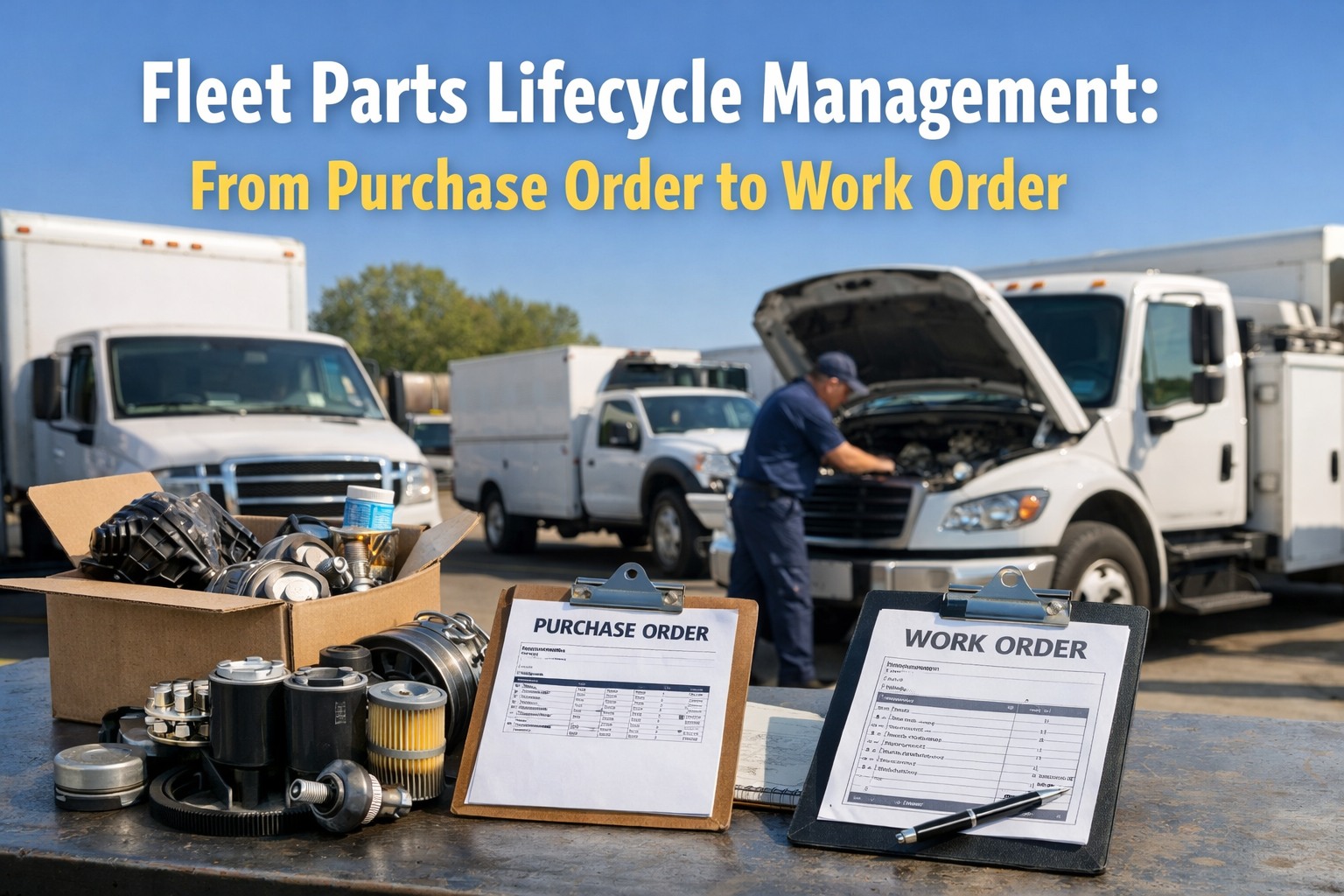
Fleet parts inventory is where silent money leaks happen. A part gets ordered twice because two locations can't see each other's shelves. A technician installs a $400 alternator on a work order but nobody deducts it from stock — so the spreadsheet says you have 5 when you really have 4, until the day you actually need one and discover the gap. Fleets running manual parts tracking routinely show 30–40% variance between recorded and actual stock, and multi-site fleets lose even more to duplicate purchasing nobody audits. A modern parts lifecycle management system closes every one of these gaps by tracking every part from the moment a purchase order is raised, through receiving, storage, allocation to a work order, and automatic deduction the moment the technician installs it. HVI's parts lifecycle management connects every stage in one system — purchase orders, receiving, bin locations, work order allocation, auto-deduction, reorder triggers, and full cost attribution per vehicle — so every part is accounted for from the PO to the work order it ends up on. Start your free HVI trial and activate parts lifecycle tracking across your fleet today, or book a 30-minute demo to see the full parts-to-work-order workflow live.
The 6-stage parts lifecycle — from PO to work order
Every part in a modern fleet shop travels through six distinct stages. Any gap in any stage is where inventory errors, stockouts, and duplicate orders happen. Here is the complete lifecycle a well-managed fleet tracks end-to-end.
Parts demand triggers PO — either from low-stock alert, scheduled PM forecast, or direct work order request. PO captures vendor, part number, quantity, expected cost, and lead time.
Parts arrive at the shop. Receiver scans or enters part against the PO, verifies quantity and condition, attaches invoice, and updates PO status to received. Variances flagged immediately.
Parts placed in designated bin, shelf, or storage location. Bin ID attached to part record. Multi-site inventory visibility means the part can be found from any location in the system.
Technician opens work order, searches parts catalog, selects part. System confirms availability and reserves the quantity. Part is linked to vehicle, WO, job code, and technician.
The instant the technician marks the part as installed, inventory count decrements automatically. No manual re-entry. No spreadsheet update forgotten. Stock level always matches shelf reality.
Cost attributed to vehicle record for lifetime cost-per-mile tracking. If stock falls below reorder point, system auto-generates a new PO — closing the loop back to stage 01.
The hidden costs of broken parts tracking
Most fleet managers dramatically underestimate what manual parts tracking actually costs. It is not just the obvious expenses — it is the cascade of problems that flow from inaccurate inventory data, all compounding across months.
The gap between what spreadsheets say you have vs what is actually on the shelf. Fleets discover this during physical counts — by which point the data is already out of date again.
The cost multiplier on expedited parts when a stockout forces same-day procurement. Emergency shipping, vendor surcharges, rush freight — every stockout creates a budget explosion.
Without cross-site visibility, Location A orders a part that Location B has on the shelf 30 miles away. One of the largest hidden inventory costs in distributed fleet operations.
When parts aren't linked to specific vehicles, you cannot calculate true cost-per-mile, identify high-maintenance assets, or compare identical trucks for abnormal consumption patterns.
Percentage of inventory value sitting as excess safety stock that fleets over-buffer because they don't trust their data. Capital that could be deployed elsewhere in the business.
A vehicle sidelined waiting for a part that was ordered too late — or a part that was technically "in stock" but nobody could find. Each day of delay compounds into revenue loss.
ABC analysis — how to stock what actually matters
Not every part deserves the same stocking strategy. Professional fleet parts management uses ABC analysis to classify inventory by value and criticality — allowing smart stocking decisions rather than blanket rules.
Hydraulic pumps, turbochargers, injectors, engine assemblies, transmission components. Parts that halt vehicles immediately if unavailable, with 2–6 week lead times that make reactive ordering devastating.
Brake components, belts, hoses, common sensors, starters, alternators. Used frequently in scheduled PM and predictable repairs. Lead times of 3–10 days allow moderate stocking.
Filters, fluids, gaskets, fasteners, bulbs, wiper blades. High-volume, low-cost consumables that drive day-to-day maintenance completion. Short lead times (1–5 days).
The reorder point formula that actually works
Every well-managed fleet uses a simple formula to trigger reorders — preventing both stockouts and excess capital sitting on shelves. Here's how the math works and how HVI applies it automatically to every part in your catalog.
Manual parts tracking vs HVI parts lifecycle management
- Inventory accuracy: 60–70% — 30–40% variance common
- PO generation: Manual, often reactive after stockout
- Receiving records: Paper invoices, delayed entry
- Bin locations: Tribal knowledge ("Mike knows where it is")
- WO allocation: Free-text parts description, often imprecise
- Stock deduction: Manual, inconsistent, often forgotten
- Multi-site visibility: None — each site works blind
- Per-vehicle cost attribution: Impossible to calculate accurately
- Reorder triggers: Eyeball judgment, not formula-driven
- Inventory accuracy: 95%+ continuous real-time
- PO generation: Automatic at reorder threshold
- Receiving records: Scan-based, invoice-linked, instant
- Bin locations: Tagged in system, searchable by anyone
- WO allocation: Parts catalog with part # + vendor linkage
- Stock deduction: Auto-deducted on work order install
- Multi-site visibility: Cross-site stock view on every search
- Per-vehicle cost attribution: Every part linked to vehicle + WO
- Reorder triggers: Formula-driven with actual usage data
Integration signals — how HVI parts lifecycle connects to the rest of your operation
A parts lifecycle system only delivers full value when it connects to the other data streams in your fleet. Here is how HVI integrates parts with adjacent operations for end-to-end cost visibility.
Parts flow from open work orders automatically. A DVIR-reported defect generates a work order, the technician adds the required part from the catalog, and the part is reserved, allocated, and deducted when installed. Zero manual re-entry between inspection, repair, and inventory.
Upcoming PM jobs forecast parts demand automatically. If 10 vehicles are due for PM-B next month, HVI surfaces the filters, fluids, and consumables needed — giving purchasing enough lead time to order without emergency freight.
Every part links to preferred vendors with historical pricing, lead times, and delivery reliability. When a PO is raised, HVI can compare vendor performance and surface cost-effective alternatives automatically.
Parts under warranty get flagged on the work order. When a covered component fails early, HVI pulls the vendor info, warranty terms, and receipt record into the claim workflow — recovering costs that manual systems routinely miss.
Every part consumed is attributed to the vehicle it was installed on. This feeds the true cost-per-mile calculation per vehicle — surfacing "money pit" assets early and supporting data-driven replacement decisions.
Parts cost data rolls up to budget vs actual reporting, inventory valuation, and spend-by-category analysis. The CFO gets the numbers they need without running spreadsheet reconciliations.
Frequently asked questions — fleet parts lifecycle management
Stop losing money in the gap between your PO and your work order.
HVI connects every stage of the parts lifecycle — from purchase order to receiving, bin storage, work order allocation, auto-deduction, and reorder trigger — in one system. Every part is accounted for, every cost is attributed, every reorder happens automatically. Stop running your fleet on parts data that's already out of date.
No credit card required · Full parts lifecycle live in days · Multi-site visibility on every plan