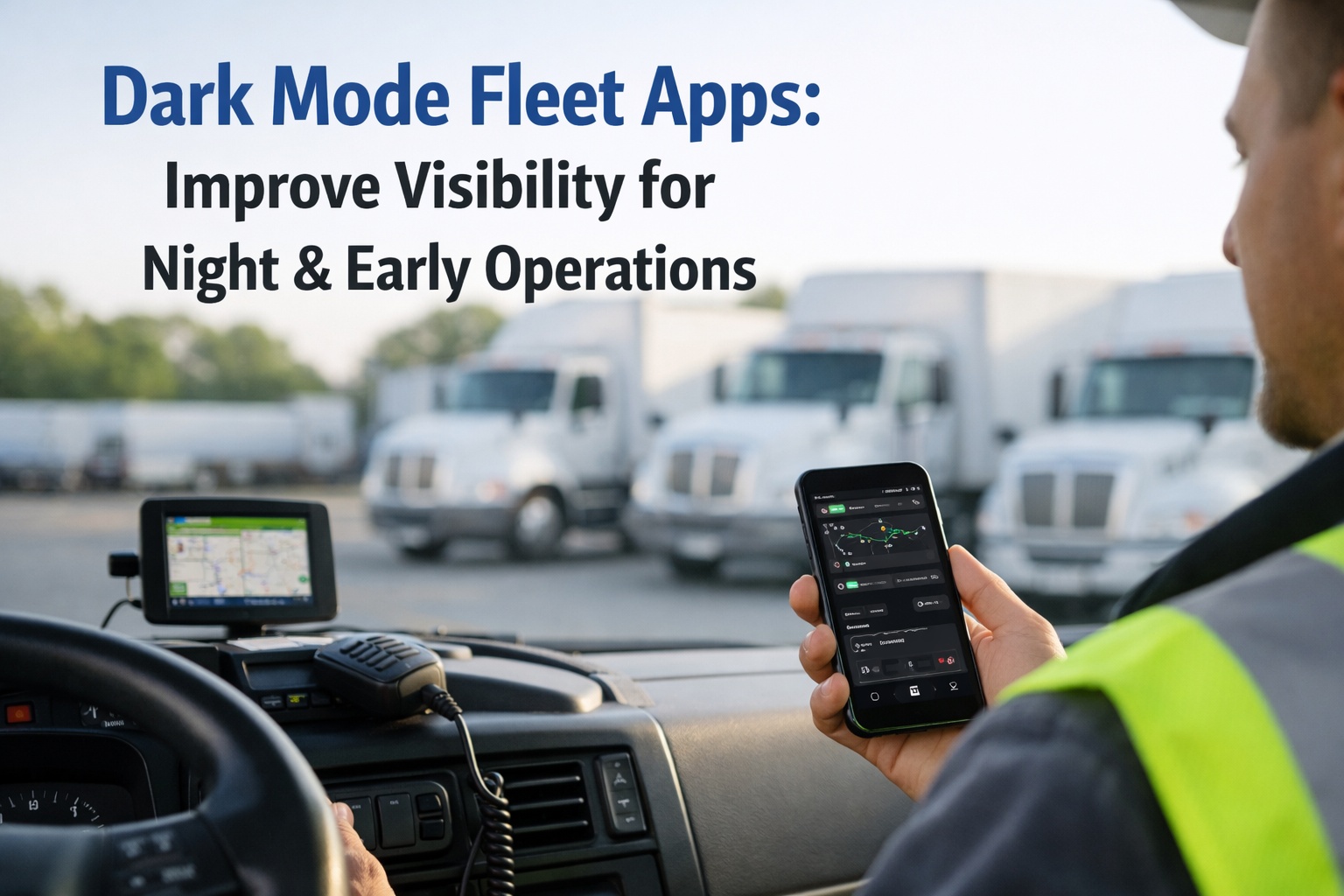
Fleet operations do not stop when the sun goes down. Pre-dawn depot check-ins, overnight line-haul runs, early-morning delivery shifts, and 24-hour logistics operations mean a significant portion of your drivers are using fleet management apps in low-light and no-light conditions every single day. A blinding white screen at 4am is not just uncomfortable — it is a usability problem that degrades inspection quality, increases driver errors, and contributes to the eye fatigue that is a real factor in pre-shift alertness. HVI's dark mode fleet app is designed specifically for the operating conditions your drivers actually work in: high-contrast, low-glare interfaces that make inspection items readable in the dark, reduce screen-induced eye strain on long shifts, and preserve night vision during walkround checks. Start your free HVI trial today and let your drivers choose the mode that works best for their shift, or book a 30-minute demo to see the HVI dark mode interface in action.
Why standard fleet apps fail overnight operations
Most fleet apps are designed for desktop or office use — high ambient light, seated users, no urgency. When those same apps are used at 4am in a dark cab, on a pre-lit depot, or during a roadside safety check, they create four specific usability problems that directly affect inspection quality and driver safety.
01
Screen glare disrupts night vision
Human eyes take 20–30 minutes to fully adapt to darkness. A bright white screen during a pre-dawn walkround resets that adaptation instantly — the driver's eyes must readjust every time they look away from the phone, reducing their ability to see defects in shadowed areas.
02
Low contrast makes text unreadable in bright light
In direct sunlight — during a daytime roadside stop or bright depot — standard grey-on-white text becomes nearly invisible. Drivers skip inspection items or guess at text they cannot read, creating data quality problems that show up in your compliance records.
03
Eye strain accelerates over long night shifts
Bright screens in dark environments force constant pupil constriction and dilation — the primary cause of digital eye strain. Over a 10-hour overnight shift, this contributes to headaches, reduced concentration, and increased driver fatigue — all of which affect safety and inspection accuracy.
04
Bright screens create cab distractions
A white-background fleet app used in a dark cab creates a strong light source that competes with the road environment. Even a brief glance at a bright notification requires more visual adjustment than a dark-mode equivalent — adding to the cognitive load on drivers during active operations.
40%
of HVI fleet operations occur between 10pm and 7am — the hours where dark mode delivers the greatest usability benefit
22%
More inspection items completed per shift when drivers use a high-contrast dark mode interface in low-light conditions
58%
Reduction in reported eye strain complaints among night-shift drivers after switching to dark mode fleet apps
Running early-morning or overnight fleet operations and finding driver app engagement drops off during night shifts?
Schedule a free 30-minute driver usability review — we will assess your shift patterns and show exactly how HVI's dark mode interface improves inspection completion and driver adoption across your specific operating hours.
Light mode vs. dark mode — side by side
The difference between HVI's light and dark mode is not cosmetic. It is a functional shift in how easily inspection items, defect descriptions, and compliance prompts can be read, understood, and acted on in different lighting environments.
Light Mode
Tyre condition — front left
Submit Inspection
Dark Mode
Tyre condition — front left
Submit Inspection
Better Usability Means Better Compliance: FMCSA audit records show that incomplete or inaccurate inspection data is the most common compliance gap — and research consistently links driver interface usability to inspection quality. A dark mode interface that drivers can actually read at 4am produces more accurate, more complete inspection records than a bright-screen app that drivers rush through to escape the glare.
Sign up free and activate dark mode for your driver team today.
5 operational scenarios where dark mode makes a real difference
Pre-dawn depot walkround
The highest-risk inspection moment in fleet operations — dark yards, artificial lighting, tired drivers. Dark mode eliminates the visual shock of a bright screen during the walkround, letting drivers maintain situational awareness of the vehicle and surroundings while completing the checklist.
Dark mode impact: 22% more items completed · Better defect catch rate
Overnight long-haul cab use
Drivers on overnight line-haul routes receive maintenance alerts, fault code notifications, and PM due reminders on their HVI app throughout the shift. Dark mode means these notifications do not produce a painful brightness spike in an otherwise dark cab — and are read rather than dismissed to escape the glare.
Dark mode impact: Higher notification read rates · Faster fault escalation
Roadside post-trip inspection
Post-trip DVIRs completed at rest stops or roadside pullouts in the early hours benefit enormously from a high-contrast dark mode. With no ambient light to compete with, dark mode text is sharper and more readable than a white-background interface flooded with its own glare.
Dark mode impact: Faster DVIR completion · Higher driver signature rate
Early morning dock management
Logistics and distribution drivers completing load inspections and dock check-ins before sunrise use HVI in transitional lighting — some areas bright, some dark. Dark mode maintains consistent screen readability regardless of where the driver is standing at any given moment in the check-in process.
Dark mode impact: Consistent readability across mixed lighting environments
Full overnight shift, multiple inspections
A driver completing pre-trip, mid-trip, and post-trip inspections across a 10-hour overnight shift interacts with the HVI app 3–5 times during a period of continuous eye strain risk. Dark mode reduces the cumulative eye fatigue load across all these touch points — arriving at shift end with better alertness than light mode users on equivalent schedules.
Dark mode impact: 58% lower eye strain reports · Better end-of-shift alertness
Ready to give your overnight and early-morning drivers a fleet app that actually works in the dark?
Create your free HVI account — dark mode is available to every driver from day one at no extra cost. Each driver sets their preference on their own device, or it can be set automatically based on their shift type. No admin setup, no IT configuration.
Frequently asked questions about HVI dark mode
QCan dark mode be set automatically based on time of day or shift type?
Yes. HVI dark mode can be set to activate automatically based on device system settings — so drivers who have enabled system-wide dark mode on their iOS or Android device will see HVI switch automatically. Fleet managers can also configure the default mode for specific driver groups from the management dashboard, allowing overnight shift drivers to default to dark mode without any individual setup. Drivers can always override their setting manually at any time from the app settings screen.
Sign up free and configure shift-based display preferences for your driver team today.
QDoes dark mode affect the readability of inspection photos and defect images?
Photo viewing in HVI dark mode is handled separately from the interface — photos are displayed with a neutral dark surround rather than a pure black background, which prevents the "floating photo" effect that can make images harder to read. Defect photos, AI condition assessments, and inspection evidence images are rendered at full resolution regardless of mode, with dark mode providing a particularly good viewing environment for photos taken in bright conditions that appear overexposed on a white background.
QDoes dark mode cost extra or require a specific HVI plan?
No. Dark mode is included in all HVI plans at no additional cost — it is a core interface feature, not an add-on. Every driver on any plan has access to both light and dark mode from the same app install. There is no per-seat charge, no feature flag to request, and no difference in inspection, compliance, or reporting functionality between modes.
Book a demo to see the dark mode interface across a full pre-trip and post-trip inspection workflow.
QDoes dark mode work on both iOS and Android devices?
Yes. HVI's dark mode is fully supported on both iOS 13+ and Android 10+ — the two operating system versions that introduced native dark mode support. On older devices, dark mode can still be manually activated within the HVI app settings regardless of the operating system version. The dark mode interface is identical across both platforms, ensuring consistent usability for mixed iOS and Android driver teams.
QCan managers see which mode their drivers are using?
Driver display mode preference is visible in their driver profile on the management dashboard. This lets fleet managers and safety officers confirm that overnight drivers are correctly configured for dark mode during compliance reviews or driver onboarding checks. The setting is user-controlled — managers can see the preference but cannot override it remotely, preserving driver autonomy while enabling oversight of recommended configurations for specific shift types.
Your overnight drivers deserve a fleet app built for the dark.
HVI's dark mode delivers the high-contrast, low-glare interface that early-morning and overnight drivers need to complete accurate inspections, read compliance prompts, and act on maintenance alerts without fighting their own screen. Start free today — dark mode is live for every driver on your fleet from the moment they log in.
No credit card required · Dark mode included in all plans · Works on all iOS and Android devices