Vehicle inspection forms are the documentation backbone of fleet compliance — and the wrong form (or no form at all) creates the compliance gaps that FMCSA auditors find most often. Whether you need a daily DVIR form, a DOT annual inspection report, a pre-trip checklist, or an equipment inspection sheet, the template must match the specific regulatory requirement it serves. This guide provides free templates for every major inspection type used in commercial transportation and heavy equipment operations, explains what each form must contain to pass a DOT audit, and shows why leading fleets are replacing paper forms with digital inspection platforms that eliminate the documentation problems paper creates. Need to see a digital inspection form in action? Book a live demo — we'll walk through every form type on HVI's platform in 30 minutes.
Types of Vehicle Inspection Forms
Different inspections serve different regulatory purposes — and each requires its own documentation. Using the wrong form or missing required fields is a common audit finding. Here are the core inspection form types every fleet needs, the regulation each serves, and who completes it.
Daily Vehicle Inspection Report (DVIR)
49 CFR 396.11
Driver
End of each workday (if defects found)
3 months
Pre-Trip Inspection Checklist
49 CFR 392.7
Driver
Before each trip / shift
Company policy (not federally required)
Annual Periodic Inspection Report
49 CFR 396.17 / 396.21
Qualified Inspector
At least once every 12 months
14 months
Roadside Inspection Report
49 CFR 396.9
CVSA-Certified Officer
Unannounced
12 months
Heavy Equipment Inspection Form
OSHA / company policy
Operator / Inspector
Daily or per-shift
Per OSHA / company policy
Bus / Passenger Vehicle Inspection Form
49 CFR 396.11 / 396.13
Driver
Every trip (pre and post)
3 months (DVIR) / 14 months (annual)
Every form above — digitized, guided, and audit-ready — in one platform.
Daily Vehicle Inspection Form (DVIR)
The DVIR is the single most-used inspection form in trucking — and the one most frequently found deficient during DOT audits. A compliant DVIR must contain specific fields to satisfy §396.11. Missing any required element means the form fails an audit even if the inspection itself was performed properly.
Why Paper DVIR Forms Fail Audits
X Missing signatures — 3 required, often only 1 captured on paper
X Illegible handwriting — auditor can't read it = non-compliant
X Lost forms — paper sits in cab, gets wet, torn, or discarded before 90-day retention
X Vague defect descriptions — "brake issue" tells maintenance nothing
X No photo evidence — checkmark on paper can't prove inspection occurred
X Delayed submission — defects sit unprocessed for 24-72 hours
See how HVI's digital DVIR replaces every paper problem above.
DOT Annual Inspection Form Template
The annual periodic inspection report (§396.21) is the formal document certifying your vehicle passed a comprehensive inspection by a qualified inspector. Unlike the DVIR, this form has stricter content requirements and a longer retention period (14 months). It must be available at your principal place of business for audit and — either as the report itself or as a decal — on the vehicle at all times.
Pre-Trip Inspection Form
Federal law (§392.7) requires the physical inspection but does not require a written pre-trip form — that's a company policy requirement adopted by virtually every carrier. The best pre-trip forms mirror the DVIR component list so drivers use one consistent checklist for both the start-of-shift inspection and the end-of-shift report.
These paper templates work — but digital forms work 67% faster with 40% more defects caught.
Heavy Equipment Inspection Form
Heavy equipment — excavators, forklifts, cranes, loaders, aerial lifts — operates under OSHA regulations rather than FMCSA, but the inspection documentation requirements are just as serious. OSHA 1926.550 (cranes), 1910.178 (forklifts), and general duty clause violations carry penalties up to $16,131 per serious violation and $161,323 for willful violations. A proper equipment inspection form covers the specific safety systems relevant to each machine type.
Bus Inspection Form
Passenger-carrying CMVs have stricter DVIR requirements than property-carrying vehicles. While the 2020 rule change removed the no-defect DVIR requirement for passenger carriers, the inspection itself must be more thorough given passenger safety obligations. Bus inspection forms must cover all standard DVIR items plus passenger-specific safety systems.
HVI supports trucks, buses, trailers, and heavy equipment — all in one platform with vehicle-specific form templates.
How to Digitize Your Inspection Forms
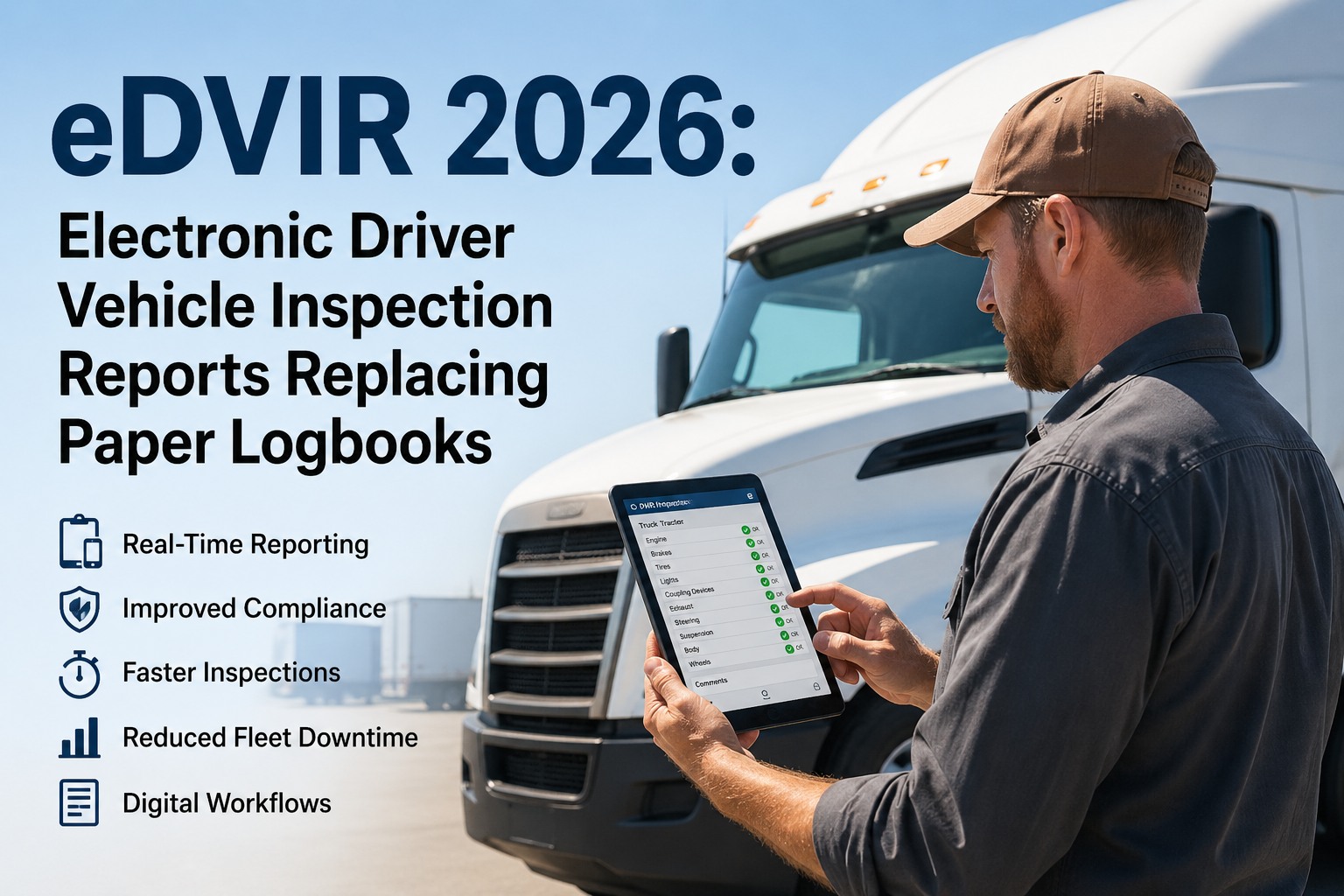
FMCSA officially finalized in February 2026 that DVIRs may be created, maintained, and signed electronically. This removes the last regulatory ambiguity around digital inspection forms. The question is no longer "can we go digital?" — it's "how fast can we switch?" Here's what digital forms deliver that paper cannot.
Guided Checklists
Drivers tap through items in order — no skipping, no forgetting. Required fields force complete documentation. Vehicle-specific templates auto-load for trucks, buses, trailers, or equipment.
Photo Documentation
Camera capture for every defect — geotagged and timestamped. Proves inspection occurred, shows defect severity, provides litigation-grade evidence. Worth 1,000 words on a paper form.
Electronic Signatures
All 3 DVIR signatures captured digitally — driver, mechanic, next driver. Compliant with 49 CFR 390.32. No more chasing signatures on paper forms that sit in cab pockets.
Instant Defect Routing
When a driver reports a defect, maintenance gets a push notification with photos and severity rating. Auto-generated work order. Zero delay between inspection and repair action.
Automatic Retention
Cloud storage handles 3-month DVIR and 14-month annual retention automatically. Search by vehicle, driver, date range. Export any audit window in seconds — not hours of filing cabinet searching.
Fleet-Wide Dashboards
Every vehicle's inspection status — green/yellow/red — at a glance. Defect trends by component, driver compliance rates, upcoming annual inspection deadlines. Complete operational visibility.
Digital Form ROI: 50-Truck Fleet
Time Saved
15 min/driver/day
= 3,125 hours/year = ~$93,750
Repair Cost Reduction
35% decrease
Earlier defect detection = ~$425,000/year
Storage Elimination
Zero filing cabinets
= ~$15,000/year in space + labor
Audit Readiness
Instant export
vs. hours/days searching paper records
BREAKING: eDVIR Final Rule Published — Effective March 23, 2026
On February 19, 2026, FMCSA published the final rule (Docket FMCSA-2025-0115) in the Federal Register explicitly authorizing electronic DVIRs. The rule adds clear language to §396.11 and §396.13 confirming that DVIRs may be created, maintained, and signed electronically. Effective date: March 23, 2026. The rule was prompted by a petition from the National Tank Truck Carriers and received unanimous industry support during the 60-day comment period. Carriers still using paper forms now have no regulatory ambiguity — digital inspection forms are officially endorsed.
CSA Driver Observed Category — Fully Enforced February 2026
The CSA overhaul splits Vehicle Maintenance into two compliance categories. "Vehicle Maintenance: Driver Observed" includes violations a driver should have caught during walk-around — burned-out lights, low tires, visible leaks, coupling issues.
Your inspection form quality directly affects this new score. Fleets using guided digital checklists with photo requirements see 35-40% more defects caught before roadside officers find them.
Book a demo to see how HVI prevents Driver Observed violations.
60% of Audit Violations Are Recordkeeping Failures
According to fleet litigation analysis published this month, approximately 60% of critical violations found during FMCSA audits relate to recordkeeping deficiencies — not mechanical failures. Missing DVIRs, incomplete repair certifications, expired annual inspections, and missing signatures are the top findings. Digital forms with enforced required fields, automatic retention, and electronic signature chains eliminate these documentation gaps entirely.
2026 Roadcheck: May 12-14 — Cargo Securement Focus
CVSA's annual 72-hour inspection blitz targets
cargo securement (vehicle focus) and
ELD tampering/falsification (driver focus) in 2026. Last year, 18,108 violations were issued for improperly secured cargo and falsification of records was the second most-cited driver violation at 58,382 violations. Carriers using digital inspection forms with cargo securement photo gates are significantly better positioned.
Start free with HVI.
Spare Fuse and Flare Requirements Eliminated
FMCSA finalized the removal of requirements for trucks to carry liquid-burning flares and spare fuses, recognizing these are largely obsolete. Carriers should update their inspection form templates to remove these items and replace with current emergency equipment requirements (reflective triangles, fire extinguisher). Digital forms update fleet-wide instantly — paper forms require reprinting and redistribution.
The Right Form for Every Inspection
Paper forms served the industry for decades — but they create the documentation gaps that cause audit violations, delay repairs, and weaken litigation defense. With FMCSA's 2026 eDVIR finalization removing any regulatory ambiguity, the CSA overhaul making Driver Observed violations a separate scoring category, and nuclear verdict exposure climbing, the case for digital inspection forms is no longer theoretical. It's operational math: faster inspections, better defect detection, instant repair routing, and audit-ready records. Every template in this guide covers the regulatory minimum — but digital platforms deliver the operational maximum.
Replace Every Paper Form With One Platform
HVI delivers guided digital inspection forms for trucks, buses, trailers, and heavy equipment — with photo documentation, electronic signatures, instant defect routing, and fleet-wide compliance dashboards. Every form type in this guide, digitized and audit-ready.
Frequently Asked Questions
Q: Can I create my own vehicle inspection form?
Yes. FMCSA does not mandate a specific form — only that the required content elements are present. You can design your own form as long as it includes all fields required by the applicable regulation (§396.11 for DVIRs, §396.21 for annual inspections). Most carriers customize forms for their specific vehicle types and operations.
Book a demo to see how HVI's customizable digital templates work.
Q: Are electronic inspection forms DOT-compliant?
Yes. Electronic records and signatures have been authorized under 49 CFR 390.32 since 2018. In February 2026, FMCSA finalized explicit eDVIR language in §396.11 and §396.13, removing all ambiguity. Electronic forms are not only compliant — they're increasingly preferred by auditors because they're legible, complete, and instantly retrievable.
Start free with HVI's compliant eDVIR platform.
Q: How long must I keep vehicle inspection forms?
It depends on the form type: DVIRs and repair certifications must be retained for 3 months. Annual periodic inspection reports for 14 months. Roadside inspection reports (OOS) for 12 months. Inspector qualification records for the duration of employment plus 1 year. Digital storage handles all retention periods automatically.
Q: What's the difference between a pre-trip form and a DVIR?
A pre-trip inspection form documents the physical inspection before driving (§392.7) — required by most carriers as company policy but not federally mandated as a written form. A DVIR (§396.11) is the written report prepared at end of day documenting defects found. They cover the same components but serve different purposes at different times.
See how HVI handles both in one workflow.
Q: Do I need separate forms for trucks, buses, and equipment?
While the core DVIR items are the same for trucks and buses, buses need additional passenger-safety items (emergency exits, ADA equipment, interior). Heavy equipment follows OSHA rather than FMCSA standards. Using vehicle-type-specific forms ensures nothing is missed. HVI's platform automatically loads the correct template based on vehicle type.
Book a demo to see all vehicle templates.
Q: How much does it cost to digitize inspection forms?
Digital inspection platforms typically cost $15-50/vehicle/month depending on features and fleet size. The ROI is immediate: 15 minutes/day saved per driver, 35% repair cost reduction from earlier defect detection, zero storage costs, and instant audit retrieval. Most fleets see 300-500% ROI in year one.
Start free with HVI — no credit card required.