A $350,000 excavator sitting idle because nobody tracked the 500-hour service interval. A scraper that disappears for a year because there's no GPS on it. A hydraulic pump that costs $8,000 as a scheduled repair — and $45,000 as an emergency, with rush shipping, overtime labor, and a full project crew standing idle at $2,000+ per day. This is what heavy equipment management looks like when it runs on spreadsheets, whiteboards, and memory. And in 2026, 82% of construction companies are still doing exactly that — relying on manual maintenance tracking and experiencing 40% higher equipment failure rates than digitally managed fleets. Heavy equipment management software closes that gap. It tracks engine hours instead of odometer miles, moves with your machines across job sites, works without cell signal in the field, and connects maintenance, utilization, compliance, and cost data into one platform that tells you exactly what every piece of iron is costing you — per hour, per project, per year.
Why Generic Fleet Software Fails Heavy Equipment
A platform built for trucking fleets cannot manage construction equipment. The operating model is fundamentally different — different metrics, different environments, different compliance requirements, and different failure modes. Here are the five gaps that make generic tools dangerous for heavy iron.
Excavators, dozers, and loaders don't accumulate miles — they accumulate operating hours. PM intervals trigger at 250, 500, 1,000, and 2,000 hours. Software that can't schedule maintenance by hours misses every service window.
Construction equipment moves between job sites weekly or daily. The software must track location across sites, manage site-specific compliance, and optimize allocation so the right machine reaches the right project at the right time.
Equipment on sites falls under OSHA 1926 (competent person inspections, ROPS, crane 3-tier programs). Equipment on roads falls under FMCSA 396 (DVIRs, annual inspections). Dump trucks operating both on-site and on-road are subject to both simultaneously.
Construction sites have dust, mud, rain, and limited connectivity. If inspections, work orders, and parts lookups don't work without cell signal — with auto-sync when connectivity returns — they don't work at all.
An excavator checklist is completely different from a crane checklist, which is different from a compactor checklist. Each machine type has unique inspection points, failure modes, and regulatory requirements. One template for everything means none of them are right.
Get software built for heavy iron. Start your free trial of HVI's heavy equipment management platform — hours-based PM, offline inspections, multi-site tracking, and dual compliance built in. Or book a demo to see construction-specific features.
The 6 Capabilities Your Platform Must Have
Heavy equipment management software must cover six operational areas. Missing any one creates a gap that costs money, increases risk, or shortens equipment life. Here's what each capability delivers and why it matters specifically for construction and heavy equipment operations.
Hours-Based Maintenance Scheduling
Automated PM alerts at 250, 500, 1,000, and 2,000 engine hours. Tracks service history per machine. Fleets with 90%+ PM compliance spend 44% less on repairs and experience 3.5x fewer unplanned breakdowns. Every missed interval shortens equipment life and accelerates replacement.
GPS Tracking & Site Allocation
Real-time location of every machine across every job site. Geofencing for site boundaries. Transfer tracking between projects. Utilization visibility that prevents both under-deployment (idle machines costing $100–$500/day in carrying costs) and over-deployment (machines running without maintenance windows).
Digital Inspections & Compliance
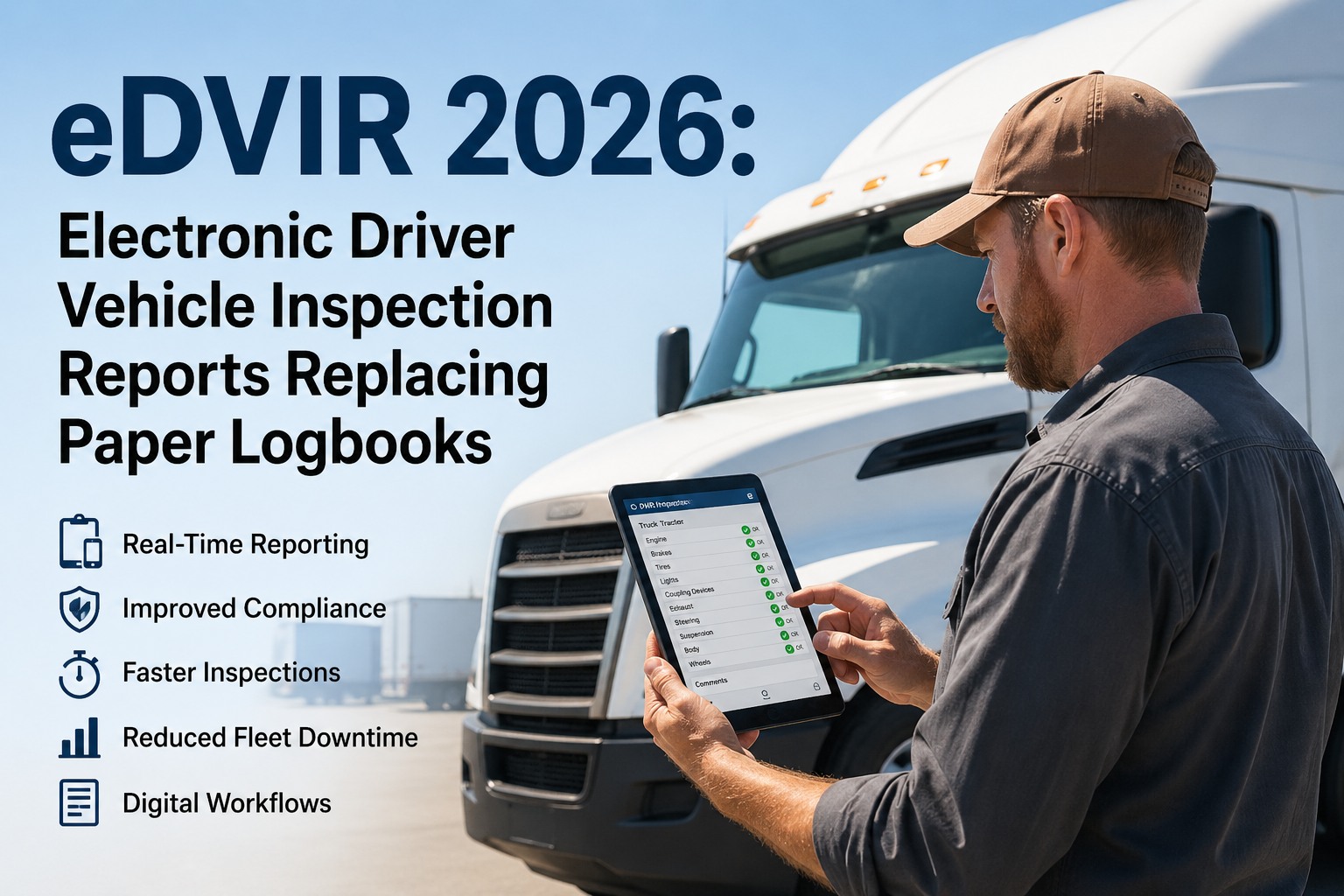
Equipment-specific pre-shift checklists with photo evidence, GPS timestamps, and digital signatures — all working offline. OSHA 1926 competent person inspections, crane 3-tier programs, FMCSA DVIRs, and eDVIR compliance (effective March 2026) managed from one system.
Work Order & Repair Management
Defect-to-work-order automation: an operator flags a hydraulic leak during pre-shift inspection, a work order generates instantly with photos and location, and the mechanic receives it on their mobile device. Tracks labor hours, parts used, and repair costs per machine.
Cost-Per-Hour Analytics
True operating cost per hour for every machine: maintenance labor + parts + downtime + fuel. Compares across fleet to identify high-cost outliers. Drives repair-vs-replace decisions using the 60% rule (repair cost exceeding 60% of replacement cost triggers review).
Telematics & OEM Integration
Connects with CAT VisionLink, John Deere Operations Center, Komatsu KOMTRAX, and other OEM telematics. Pulls engine hours, fault codes, fuel consumption, and idle time automatically. Eliminates manual data entry and gives you one dashboard for the entire mixed fleet.
All six capabilities. One platform. Start free with HVI — built specifically for construction and heavy equipment operations. Or schedule a demo to see how it handles your equipment types.
The ROI of Going Digital: What the Data Shows
The investment in heavy equipment management software is typically 0.5–1.5% of total fleet operating costs. The return is measured in prevented emergencies, extended equipment life, and compliance costs avoided. Here's what the numbers look like based on industry benchmarks and documented fleet results.
Your Equipment Is Too Expensive to Manage by Memory
A 50-machine construction fleet represents $5–$15 million in capital assets. Managing that investment with spreadsheets, paper inspections, and reactive maintenance is like running a factory without a production schedule. The machines that win projects and generate revenue are the ones that are maintained proactively, utilized efficiently, tracked accurately, and replaced at the right time based on data. Heavy equipment management software is the system that makes all four of those things happen — not occasionally, but systematically, every day, across every machine and every job site.
Manage Every Machine. Optimize Every Hour.
HVI's heavy equipment management platform is built for construction — hours-based scheduling, offline inspections, multi-site tracking, OSHA and FMCSA dual compliance, OEM telematics integration, and cost-per-hour analytics that turn your fleet data into better decisions.