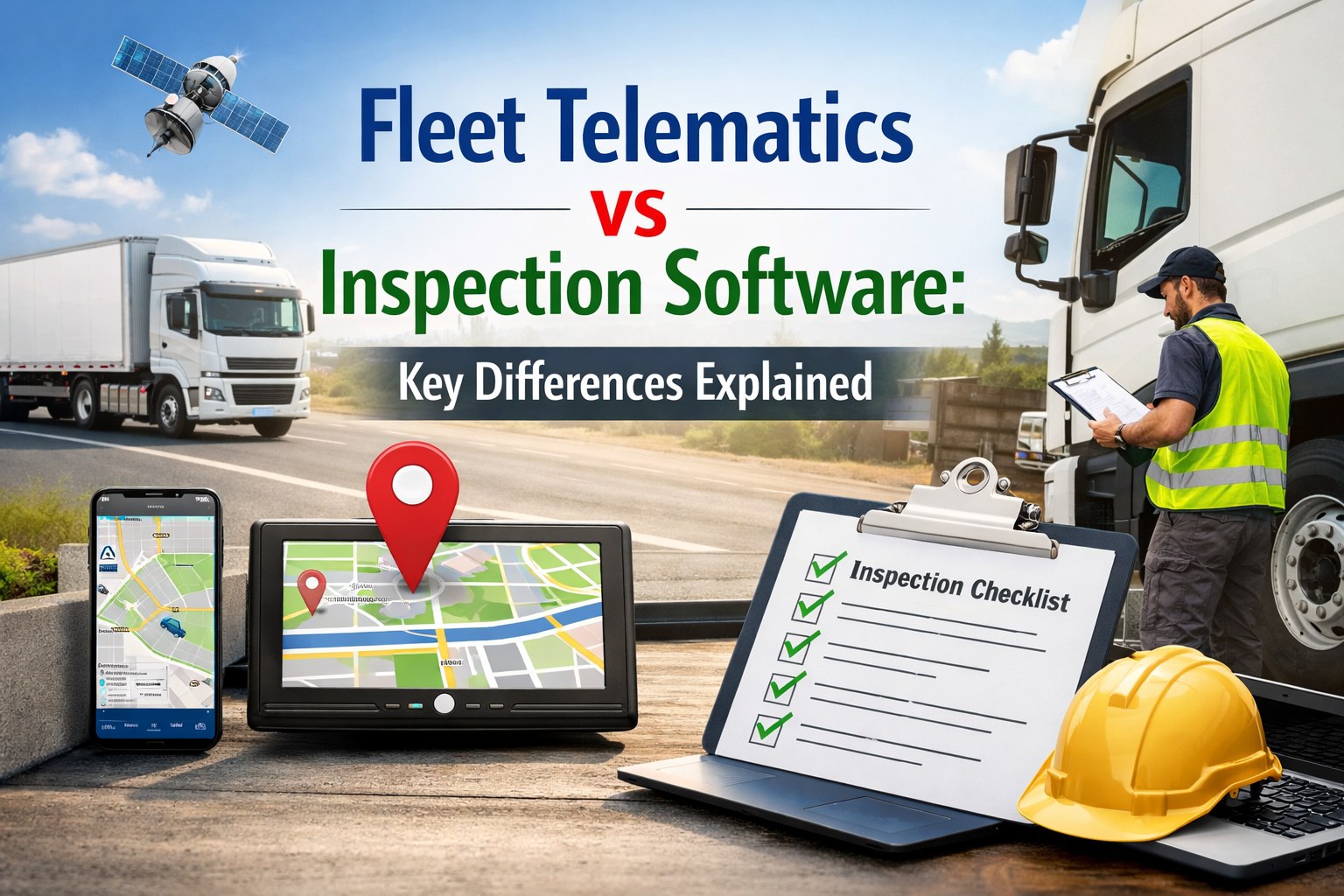
Fleet telematics and inspection software get lumped together constantly — but they solve fundamentally different problems. Telematics tells you where a vehicle is, how fast it is moving, and how the driver is behaving behind the wheel. Inspection software tells you whether that vehicle is safe to operate, what defects exist, whether repairs were completed, and whether the documentation will pass a DOT audit. One watches the vehicle in motion. The other watches the vehicle's condition. Both matter — but confusing them leads to dangerous gaps: fleets running telematics assume their compliance is covered, while critical inspection workflows, defect tracking, and DVIR documentation go unmanaged. This guide breaks down exactly what each system does, where they overlap, where they differ, and why the highest-performing logistics fleets in 2026 run both — with inspection software handling the compliance and maintenance layer that telematics was never designed for. HVI's inspection and compliance platform integrates with your existing telematics to close the gap — adding the structured inspection, defect routing, and audit documentation that GPS tracking alone cannot provide.
The Core Difference in One View
Before comparing features, understand what each system was built to do — their origin, their data, and their purpose are fundamentally different.
Fleet Telematics
What does it answer?
"Where is the vehicle and how is it being driven?"
GPS location, speed, idle time, harsh events, fuel consumption, ELD duty status, route history, geofencing alerts
Origin: GPS tracking + OBD-II diagnostics
VS
Inspection Software
What does it answer?
"Is the vehicle safe to operate and is the documentation audit-ready?"
DVIR completion, defect identification, repair status, PM compliance, parts tracking, driver qualification, compliance documentation
Origin: FMCSA regulatory compliance + maintenance workflow
Most fleets already have telematics — but telematics alone leaves inspection, defect tracking, and audit documentation unmanaged.
Schedule a 30-minute demo to see how HVI adds the compliance layer your telematics is missing.
Feature-by-Feature Comparison
Here is where each system delivers — and where each has blind spots that the other covers.
Real-Time Vehicle Location
Full GPS tracking
Not a core function
Driver Behaviour Monitoring
Harsh braking, speeding, idle time
Inspection thoroughness scoring only
ELD / HOS Compliance
Core ELD function
Integrates with ELD data, not a source
DVIR / Pre-Trip Inspections
Basic add-on — often checkbox-only
Core function — guided, photo-verified
Defect Detection & Routing
Fault codes only — no inspection defects
Photo-verified + auto-routed to maintenance
3-Signature DVIR Chain
Not enforced
Driver → mechanic → next driver enforced
Work Order Generation
Not included
Auto-created from inspection defects
PM Schedule Management
Mileage triggers only
Mileage + hours + calendar + whichever-first
Parts Inventory Integration
Not included
Parts pre-matched to work orders
DOT Audit Documentation
ELD/HOS records only
Complete DVIR + maintenance + DQF packages
CSA "Driver Observed" Scoring
Cannot track inspection quality
Directly maps DVIR data to scoring
AI Defect Analysis
Not included
Photo analysis across 163+ components
What Telematics Does Well (and Where It Stops)
Telematics platforms — Samsara, Geotab, Motive, Verizon Connect, Teletrac Navman — are excellent at what they were built for. Understanding their strengths clarifies where inspection software picks up.
Telematics Strengths
Real-time GPS tracking across your entire fleet
Driver behaviour scoring (harsh braking, speeding, idle)
ELD/HOS compliance with automatic duty status recording
Fuel management and consumption analytics
Route optimisation and geofencing
OBD-II fault code alerts for engine diagnostics
Where Telematics Falls Short
DVIR inspection is a checkbox add-on — not guided, not photo-verified
No defect-to-repair chain — fault codes alert, but nothing routes to maintenance
No work order management — defects exist as alerts, not actionable jobs
No 3-signature DVIR enforcement (driver → mechanic → next driver)
Cannot produce complete DOT audit packages (only ELD/HOS portion)
Cannot track the 2026 CSA "Driver Observed" scoring category
Your telematics handles location, behaviour, and ELD. HVI handles everything it does not — inspections, defects, repairs, compliance documentation, and audit readiness.
Sign up free and add the inspection layer in under 10 minutes — it works alongside any telematics provider.
What Inspection Software Does That Telematics Cannot
Inspection software was built for a different problem set — the physical condition of the vehicle, the compliance documentation around that condition, and the maintenance workflow that keeps vehicles safe. Schedule a demo to see HVI's inspection capabilities alongside your existing telematics.
Guided Walk-Around Inspections
Step-by-step, vehicle-specific checklists with photo-required checkpoints. 37+ items for Class 8 tractors, 28+ for trailers, 70 for cranes. Prevents pencil whipping — the app enforces completeness before submission.
Defect-to-Repair Automation
Defect flagged during inspection auto-generates a prioritised work order with photo evidence, severity classification, and parts requirements — routed to the correct technician instantly. No phone calls, no paper hand-offs.
3-Signature DVIR Chain
FMCSA requires driver report → carrier repair certification → next-driver acknowledgment. HVI enforces this chain digitally — no vehicle returns to service until all three signatures are captured with timestamps.
Complete Audit Documentation
DVIRs, maintenance records, defect-to-repair chains, PM histories, and driver qualification tracking — all exportable as a complete audit package in under 10 minutes. Covers the 60%+ of audit documentation that telematics cannot produce.
AI-Powered Condition Analysis
Computer vision analyses inspection photos across 163+ vehicle components with 95–99% accuracy — detecting tyre wear, fluid leaks, crack propagation, and damage that drivers miss 20–30% of the time. Telematics fault codes cannot see physical defects.
CSA "Driver Observed" Score Tracking
The 2026 CSA overhaul created a separate scoring category for defects drivers should have caught during walk-arounds. HVI maps DVIR data directly to this category — giving you visibility telematics cannot provide.
Why the Best Fleets Run Both
Telematics and inspection software are not competitors — they are complementary layers of fleet intelligence that cover different domains.
Telematics Layer
Vehicle location, driver behaviour, ELD compliance, fuel, routing, engine diagnostics
You know where every vehicle is and how it is being driven
Inspection Layer
Vehicle condition, defect tracking, repair workflows, PM scheduling, compliance documentation, audit readiness
You know every vehicle is safe to operate and every record is audit-ready
Combined Result
Complete fleet visibility — operational performance + vehicle safety + regulatory compliance
40% fewer violations, 89% fewer breakdowns, audit-ready 365 days/year
HVI integrates with Samsara, Geotab, Motive, Verizon Connect, and 40+ other telematics providers via API.
Schedule a demo and we will show you HVI running alongside your specific telematics platform — live, during the call. Or
sign up free and connect in under 10 minutes.
Different Tools for Different Problems
Telematics answers "where is the vehicle and how is it being driven?" Inspection software answers "is the vehicle safe to operate and is the documentation audit-ready?" These are not the same question — and using one to answer both leaves dangerous gaps. The fleets achieving the best CSA scores, the lowest downtime, and the cleanest DOT audits in 2026 are running both layers: telematics for operational visibility and inspection software for the compliance, maintenance, and safety documentation that telematics was never designed to provide. HVI adds this second layer — integrating with your existing telematics to deliver guided inspections, defect-to-repair automation, PM scheduling, and audit-ready documentation on one platform. Start free today — your telematics stays, HVI adds what it is missing.
Add the Inspection Layer Your Telematics Is Missing
Guided DVIRs. Defect-to-repair automation. PM scheduling. Audit-ready documentation. Integrates with Samsara, Geotab, Motive + 40 more. Trusted by 25,000+ users.
Frequently Asked Questions
Q: Does HVI replace my telematics system?
No. HVI works alongside your existing telematics — Samsara, Geotab, Motive, Verizon Connect, or any other provider. Your telematics handles GPS tracking, driver behaviour, ELD compliance, and engine diagnostics. HVI handles the inspection, defect tracking, maintenance workflow, and audit documentation layer that telematics does not cover. Both run simultaneously on the same vehicles.
Start free — connects in under 10 minutes.
Q: My telematics already has a DVIR module — why do I need HVI?
Most telematics DVIR modules are checkbox-only add-ons — no guided walk-arounds, no photo-required checkpoints, no AI defect detection, no 3-signature chain enforcement, no defect-to-work-order automation. They produce a record that a DVIR was "completed" but do not verify that the inspection was actually thorough. With the 2026 CSA "Driver Observed" category now scoring your inspection quality separately, checkbox DVIRs create visible compliance risk.
Schedule a demo to see the difference.
Q: How does HVI integrate with telematics data?
HVI connects to telematics platforms via API to pull mileage, engine hours, and fault code data — using this to trigger PM schedules, cross-reference inspection locations with GPS data, and build complete vehicle health profiles that combine telematics diagnostics with physical inspection findings. The integration is automatic after initial connection.
Q: What percentage of DOT audit documentation does telematics cover?
Telematics covers approximately 30–40% of what a DOT audit requires — primarily ELD/HOS records and some driver behaviour data. The remaining 60–70% — DVIRs, maintenance records, defect-to-repair chains, annual inspections, PM histories, and driver qualification files — requires dedicated inspection and compliance software. This is the gap HVI fills.
Q: Can I start with HVI before integrating my telematics?
Yes. HVI works independently with manual mileage entry from driver-reported odometer readings during inspections. Telematics integration adds automatic mileage updates and fault code data — but the inspection, defect tracking, work order, and compliance documentation functions all work without telematics from day one.
Sign up free and start inspecting today.