Every fleet maintenance operation runs on work orders — the documented chain that connects a reported problem to an assigned technician to a completed repair with parts, labor, and costs recorded. When that chain is managed on paper, whiteboards, or scattered text messages, work falls through the cracks: defects reported by drivers sit unaddressed for days, parts aren't available when the mechanic arrives, labor hours go unrecorded, and the fleet manager has no visibility into what's being worked on, what's waiting, or what it's costing. Work order management software replaces this chaos with a structured system that creates, assigns, tracks, and closes every maintenance task — from a driver-reported brake issue to a scheduled PM oil change to an auto-generated work order triggered by an inspection defect. The difference between fleets that achieve 80:20 planned-to-reactive ratios and fleets stuck at 55:45 is almost always the work order system. Fleets using digital work order management report 50-60 hours saved per week, faster repair completion, and zero missed inspections. This guide covers the complete work order lifecycle, how inspection-triggered work orders close the gap between defect discovery and repair, what features matter most, and how HVI connects inspection and work order management on one platform.
The Work Order Lifecycle: From Problem to Resolution
A work order moves through a defined pipeline of statuses. Each status has a responsible party and a required action. The system's job is to move work orders through this pipeline without any getting stuck, lost, or forgotten — and to document every step for compliance and cost tracking.
Requested
Driver, Operator, Inspector, or System
Work order created. Source: driver defect report (DVIR), inspection finding, PM schedule trigger, operator report, or telematics fault code. Includes: asset ID, defect description, severity, photos, reporter identity, timestamp.
Assigned
Fleet Manager or Maintenance Supervisor
Work order reviewed, prioritized by severity, and assigned to a specific technician or shop. Assignment considers: technician skill/certification, current workload, parts availability, vehicle location, and production schedule impact.
In Progress
Mechanic / Technician
Technician begins work. Logs labor time (start/stop or total hours), records parts used (linked to inventory), documents work performed with notes and photos. Can flag if additional issues found — spawning a new linked work order.
Completed
Mechanic signs off, Supervisor verifies
Repair finished. Mechanic certifies work performed. For DVIR-sourced work orders, mechanic signs the repair certification on the original DVIR (completing the FMCSA chain). Vehicle status updated to available. Total cost calculated: labor + parts + any vendor charges.
Closed
System / Fleet Manager
Work order archived in asset history. Cost data feeds KPIs: cost per mile, cost per work order, planned-vs-reactive ratio. Defect and repair data feeds trend analysis. Compliance documentation retained per regulatory requirements.
Where Work Orders Get Stuck (and Why Software Fixes It)
Requested → Assigned
Paper DVIRs sit in cab or dispatch tray. No one sees the defect for hours or days.
Digital: instant notification. Severity-based routing pushes critical defects to the right person within seconds.
Assigned → In Progress
Parts not available. Mechanic can't start work because the part must be ordered.
Inventory integration: system checks parts availability at assignment. Flags shortages before scheduling work.
In Progress → Completed
Mechanic finishes repair but doesn't document it. Work order stays open indefinitely.
Mobile app: mechanic closes work order on phone with photos, time, and parts. Alert if WO sits open beyond threshold.
Completed → Closed
No one reviews completed work. Costs aren't captured. Asset record isn't updated.
Auto-close rules: completed WOs feed cost data to asset record automatically. Supervisor review for high-severity only.
Inspection-Triggered Work Orders: The HVI Advantage
The most valuable work orders aren't created manually — they're generated automatically when an inspection finds a defect. This closes the gap between "driver noticed a problem" and "mechanic has a work order with photos and severity" from hours or days (paper) to seconds (digital).
Inspection Defect
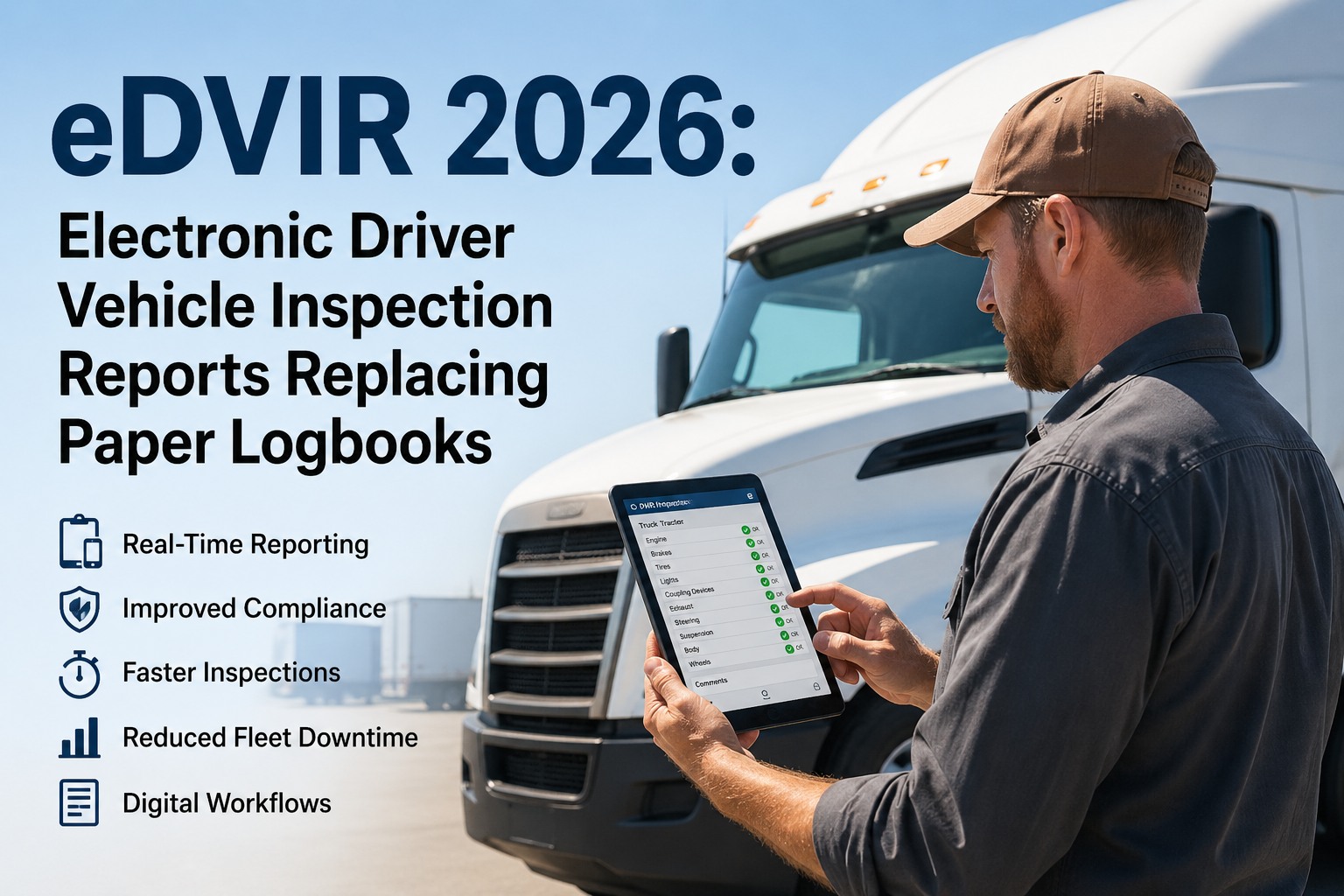
Driver completes DVIR or operator completes equipment inspection. Taps defect item, selects severity, captures photo with GPS/timestamp. Submits with digital signature.
Auto-Generated WO
HVI instantly creates work order: asset ID, defect description, severity, photo evidence, reporter identity, timestamp, and recommended action. Zero manual re-entry.
Severity Routing
Safety-critical: immediate push notification + SMS. Scheduled: added to maintenance queue prioritized by severity. Monitor: tracked at next PM service.
Repair & Certify
Mechanic receives WO on mobile. Completes repair, logs labor and parts. Signs certification — flows back to original DVIR, completing the FMCSA 3-signature chain.
Why This Matters
Paper DVIRs create 4-24 hour gaps between defect discovery and maintenance notification. Digital inspection-to-WO closes that gap to under 60 seconds.
Every work order traces directly to the inspection that created it — complete audit trail from defect to repair for DOT compliance reviews.
Photos travel with the work order. Mechanic sees the exact defect before arriving — improving first-time fix rates and eliminating "I couldn't find the problem" delays.
Repair certification automatically satisfies DVIR repair certification under 49 CFR 396.11(a)(3) — one action, two compliance requirements met.
HVI auto-generates work orders from every inspection defect — with photos, severity, asset ID, and routing rules built in. No re-entry, no delays, no lost paperwork.
Book a demo to see inspection-to-work-order in action. Or
start free.
Core Features: What Your Work Order System Must Do
Work order software ranges from basic digital forms to complete maintenance management platforms. These features are organized by operational impact.
Work Order Creation & Assignment
Multiple creation sources: Manual, inspection-triggered, PM schedule, telematics fault codes, and driver mobile requests
Severity classification: Safety-critical (immediate), scheduled (planned), monitor (next service) — with routing rules
Smart assignment: Route to technicians based on skill, workload, location, and parts availability
Priority queuing: Dashboard of open WOs sorted by severity, age, and vehicle criticality
Execution & Documentation
Mobile technician app: View, update, close WOs from phone in shop or field. Photo capture. Offline capable.
Labor time tracking: Start/stop timers or manual entry. Feeds wrench time KPI and cost-per-WO calculations
Parts tracking: Link parts to WOs, auto-deduct from inventory, flag low stock, track cost per asset
Repair certification: Digital sign-off. DVIR-sourced WOs flow back to inspection record for FMCSA compliance
Tracking & Analytics
Real-time dashboard: All open, in-progress, overdue WOs. Filter by vehicle, technician, type, or age
Cost tracking: Labor + parts + vendor per WO. Cost per asset, per mile, budget vs. actual
Planned vs. reactive: Track ratio — target 80:20. Industry average: 55:45. Reactive costs 3-9x more
Defect trends: Which components fail most? Which vehicles generate most WOs? Data drives decisions
Role-Based Views: What Each User Sees
Different roles need different views of the same data. The system serves everyone without requiring each person to navigate irrelevant information.
DR
Driver / Operator
Mobile inspection checklists (DVIR, pre-use)
Simple defect reporting: tap, select severity, photo, submit
Status of reported defects ("your brake issue was repaired")
Prior DVIR review and acknowledgment
MC
Mechanic
Work order queue sorted by priority
Defect details with photos and asset history
Labor timer, parts selection, repair docs
Repair certification with digital signature
SM
Shop Manager
All open WOs across technicians and vehicles
Assignment, scheduling, priority management
Parts availability and purchase orders
Technician workload and completion rates
FM
Fleet Manager
Fleet dashboard: availability, overdue PMs, compliance
Cost analytics: CPM, spend, budget vs. actual
Planned-vs-reactive, MTTR, backlog trends
Defect trends driving replacement decisions
HVI provides role-based dashboards for every user — from driver inspection forms to mechanic work queues to fleet manager analytics — all connected through the inspection-to-work-order chain.
Book a demo. Or
start free.
KPIs: Measuring Work Order Performance
Work order data is the richest source of maintenance intelligence — if you track the right metrics. These KPIs connect execution to fleet performance outcomes.
Planned vs. Reactive Ratio
Planned WOs / Total WOs x 100
Target: 80:20. Average: 55:45. Every 10% shift toward planned reduces emergency costs — reactive repairs cost 3-9x more.
Mean Time to Repair
Total Repair Hours / Number of Repairs
Target: under 6 hours. Average: 12-18 hours. World-class: 2-4 hours. Measures entire response chain.
Work Order Backlog
Open WOs / Weekly Completion Rate
Target: under 2 weeks. Growing backlog signals understaffing, parts shortages, or reactive emergencies displacing planned work.
First-Time Fix Rate
Closed Without Rework / Total WOs x 100
Target: 90%+. Average: 65-75%. Low FTFR = inadequate diagnosis, wrong parts, or skill mismatch.
Cost Per Work Order
Total Maintenance Cost / Number of WOs
Track trend and compare reactive vs. planned WO costs. Reactive should show consistently higher — proving PM value.
Inspection-to-WO Conversion
WOs from Inspections / Total WOs x 100
Higher = more proactive. Target: 60%+ of reactive WOs originating from driver inspections rather than breakdowns.
Inspection-to-Work-Order Automation Is the New Standard
Platforms that auto-generate work orders from inspection defects — with photos, severity, and routing — eliminate the 4-24 hour gap between defect report and maintenance awareness that paper DVIRs create.
Mobile-First Technician Experience Driving Adoption
Mechanics who view, update, and close WOs from their phone adopt faster and produce better data. Desktop-only systems create documentation backlogs. Mobile-first with offline capability is now baseline.
Book a demo.
Platform Consolidation: Inspection + Work Orders + PM on One System
Fleets moving from separate tools to unified platforms where DVIR defects automatically become work orders that feed asset history and PM schedules. HVI connects all three on one platform.
Work Order Data Feeding Capital Replacement Decisions
12+ months of digital WO data identifies vehicles costing more to maintain than they're worth. Rule of thumb: annual maintenance exceeding 50% of market value = replace. WO cost history makes this call objective.
The Work Order Is the Maintenance Heartbeat
Every repair, every PM service, every defect resolution flows through a work order. When that flow is digital — created from inspection defects automatically, assigned by severity, tracked through completion with labor and parts, and closed with cost data — the maintenance operation transforms from reactive firefighting to proactive management. The fleets achieving 80:20 ratios, 95%+ availability, and declining cost-per-mile aren't doing anything magical. They're running every piece of maintenance through a system that captures, routes, tracks, and learns from every work order. HVI provides that system — connected to the inspections that create the work orders in the first place.
Inspection-Connected Work Order Management
HVI auto-generates work orders from inspection defects, routes by severity, tracks repair through completion, and feeds cost and trend data to your fleet dashboard — all on one platform.
Frequently Asked Questions
Q: What is fleet work order management software?
Software that creates, assigns, tracks, and closes every maintenance task — from driver-reported defects to scheduled PMs to breakdown repairs. Replaces paper, whiteboards, and scattered texts with a structured digital system documenting every step. The best systems auto-generate work orders from inspection defects.
Q: How do inspection-triggered work orders work?
When a driver reports a DVIR defect, HVI auto-generates a work order with asset ID, description, severity, photo evidence, and reporter identity. Routes to maintenance based on severity. Mechanic receives on mobile, completes repair, signs off — also satisfying FMCSA repair certification. Zero re-entry.
Start free with HVI.
Q: What's a good planned-to-reactive ratio?
Target: 80% planned, 20% reactive. Industry average: 55:45. Every 10% improvement reduces emergency costs (3-9x higher than planned). Work order software tracks this automatically by categorizing each WO as planned (PM, inspection-generated) or reactive (breakdown).
Q: Can work orders track parts and labor costs?
Essential functionality. Each WO captures labor hours, parts consumed (linked to inventory with auto-deduction), vendor charges, and total cost. Feeds cost-per-WO, cost-per-mile, cost-per-asset, and budget-vs-actual analytics. Without cost tracking, you can't identify vehicles that cost more to maintain than they're worth.
Q: How does this connect to FMCSA DVIR compliance?
Under 49 CFR 396.11, defects on DVIRs must be repaired and certified before dispatch. HVI's chain: defect generates WO, mechanic repairs and signs certification, certification flows to original DVIR record. The 3-signature chain (driver → mechanic → next driver) is enforced digitally — one workflow satisfies both maintenance and compliance requirements.
Q: What KPIs should I track?
Six essentials: planned-vs-reactive ratio (80:20 target), MTTR (under 6 hours), work order backlog (under 2 weeks), first-time fix rate (90%+), cost per work order (trend reactive vs. planned), and inspection-to-WO conversion rate (higher = more proactive). These connect execution to fleet performance outcomes.